Playing Music
Your Cobblestone unit has the ability to play music wirelessly through the MUZO
Player App. You can play the music that you have stored on your iOS or Android
device, the DLNA enabled NAS server, iTunes, Windows Media Player on PC, or you
can stream music from the list of supported music services like iHeartRadio, Spotify,
TIDAL and more. You can also stream audio from anywhere using Airplay on iOS
devices. Swipe right from the Current Track screen on the App to access the menu.
Cobblestone Security
Automatic password protection for Cobblestone Hotspot
Our new iOS app version 2.9.1 gives automatic password protection for your
Cobblestone hotspot.
How does it work?
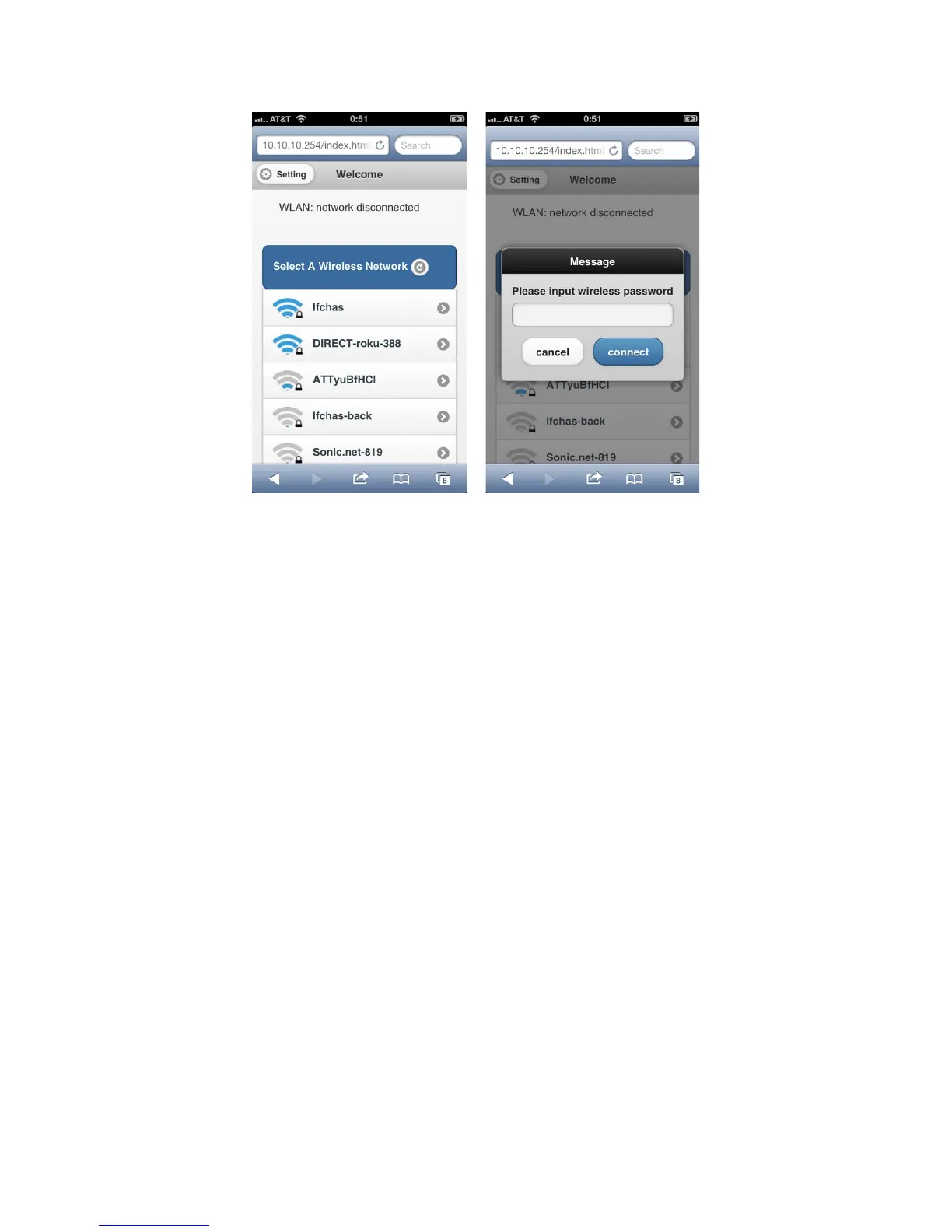
When setting up your Cobblestone, it will automatically use your Wi-Fi network
password as your Cobblestone hotspot password.
Please follow the instructions below to make sure your Wi-Fi network password is your
Cobblestone's hotspot password:
1. Choose your Cobblestone SSID as your Wi-Fi network on your computer.
2. Type in your Wi-Fi network password you used to set up your Cobblestone.


 To Next Page