19
EN
M1.1.MV900-1500-2000IL.NLFREN - 09122019
• Status display
Switch on power.
Voltage conrmation: 230 Volts. When the power is switched on, the display appears as follows:
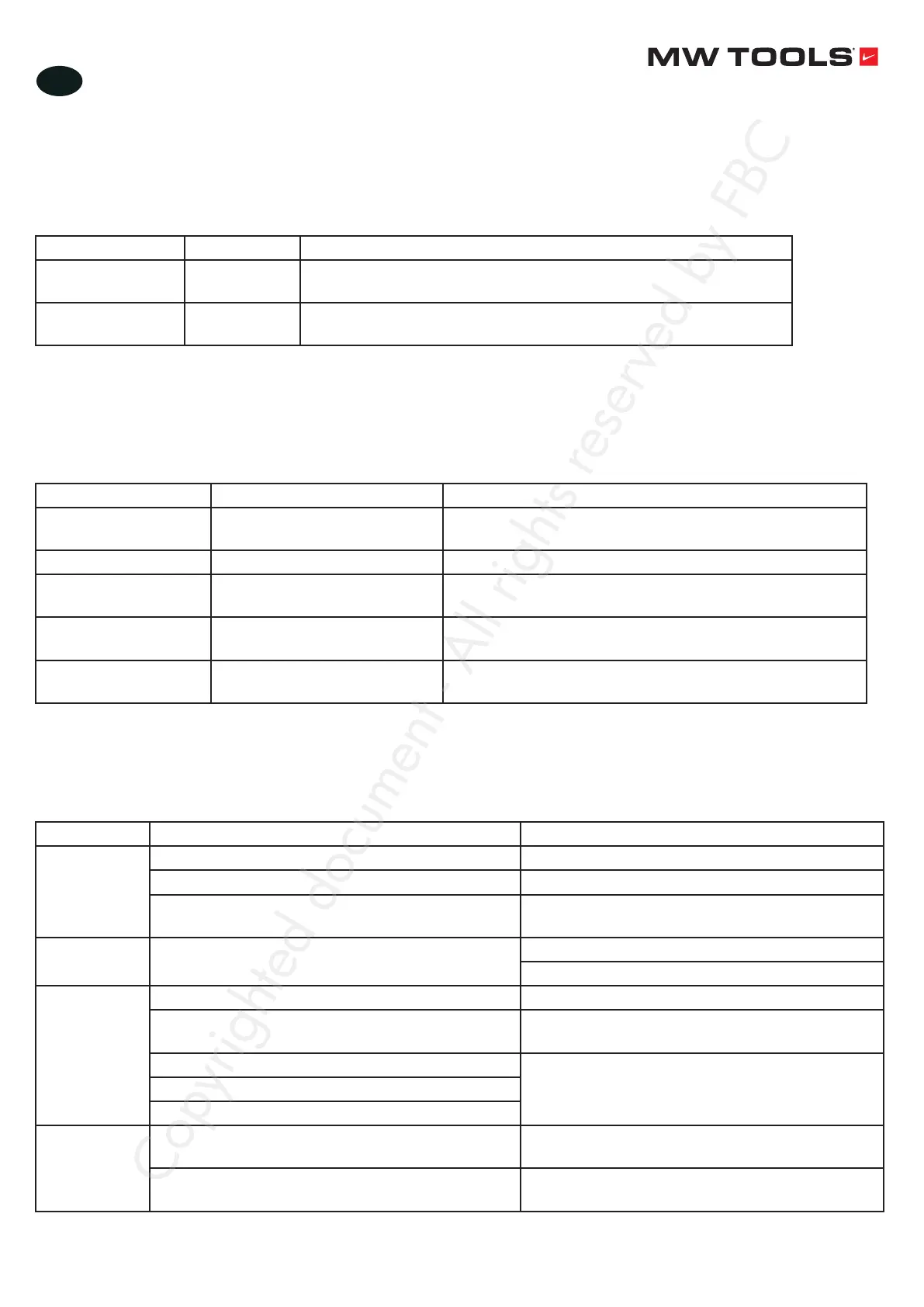
Nr. Name Content
Normal time OK! Displays OK at startup for normal running state.
Displays STOP when closing
Failure time E-IPM Display E-IPM to indicate failure of the fan.
Please refer to chapter 6 “Troubleshooting”
6 Troubleshooting
If you press the Run key, direct trip. The reason is the motor short circuit or power module internal failure. Please contact your
dealer.
If the power is suddenly cut off during operation, the display screen shows the E-UV and can be powered on again.
Error code Fault type Solution
E-STALL Blocked Check the motor, remove the failure and then restore the
power
E-OV Overvoltage protection Check the grid for more than 282 VAC
E-OC Overcurrent protection Check if the load condition of the blades exceed the rating,
and then rewind after the failure
E-UV Undervoltage protection Check if the power supply is below 85 VAC, or whether the
power line input is loose
E-IPM Drive high-voltage module
protection
Check the heat dissipation of the module and check if there
is any short-circuit between the motor cables
7 Regular inspection and maintenance
Electronic equipments and other parts cannot be permanent used, even in normal working conditions. To avoid problems, it is
strongly recommended to inspect the unit regularly and carry out certain maintenance works.
Check item Check the content Solution
Unit
Components have changed colour due to wear Replace damaged components
Parts are damaged or distorted Contact your dealer
There is dirt, trash or dust Clean with dry cloth
Do not use water
Motor
Abnormal vibrations or sound during operation Check and tighten all screws
Check the mechanical connections
Controller
Cooling fans are dirty Clean or replace cooling fans
Wires and inner wires are discoloured, damaged or
loose
Repair or replace the wires
Cable layer is broken, cracked or discoloured Contact your dealer. If the controller cannot be
repaired, it will be replaced
Connection ends are worn out, damaged or loose
Capacitor has a, leakage, discolouration or crack
LED display
The LED display is not correct, the control panel
cannot operate correctly
Contact your dealer
The control panel is dirty Clean the control panel with a dry cloth.
Do not use water
Copyrighted document - All rights reserved by FBC


 To Next Page