Need help?
Do you have a question about the MXL Tempo and is the answer not in the manual?
Key guidelines for careful handling, avoiding shocks and damage.
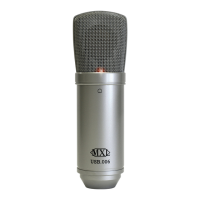
Explains cardioid pattern and USB plug-and-play technology.
Lists the items included in the microphone package.
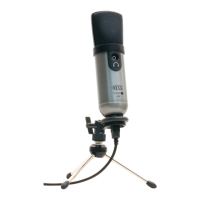
Covers familiarization with features and using the desktop stand.
Guides on connecting the USB microphone to a computer.
Steps to configure the microphone as the default audio device in XP.
 General
| Brand | MXL |
|---|---|
| Model | Tempo |
| Category | Microphone |
| Language | English |

 To Next Page