10
11
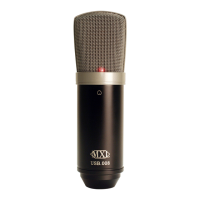
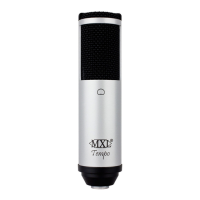
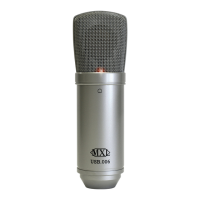
MXL USB.006
Initial Setup with Windows Vista and Windows 7:
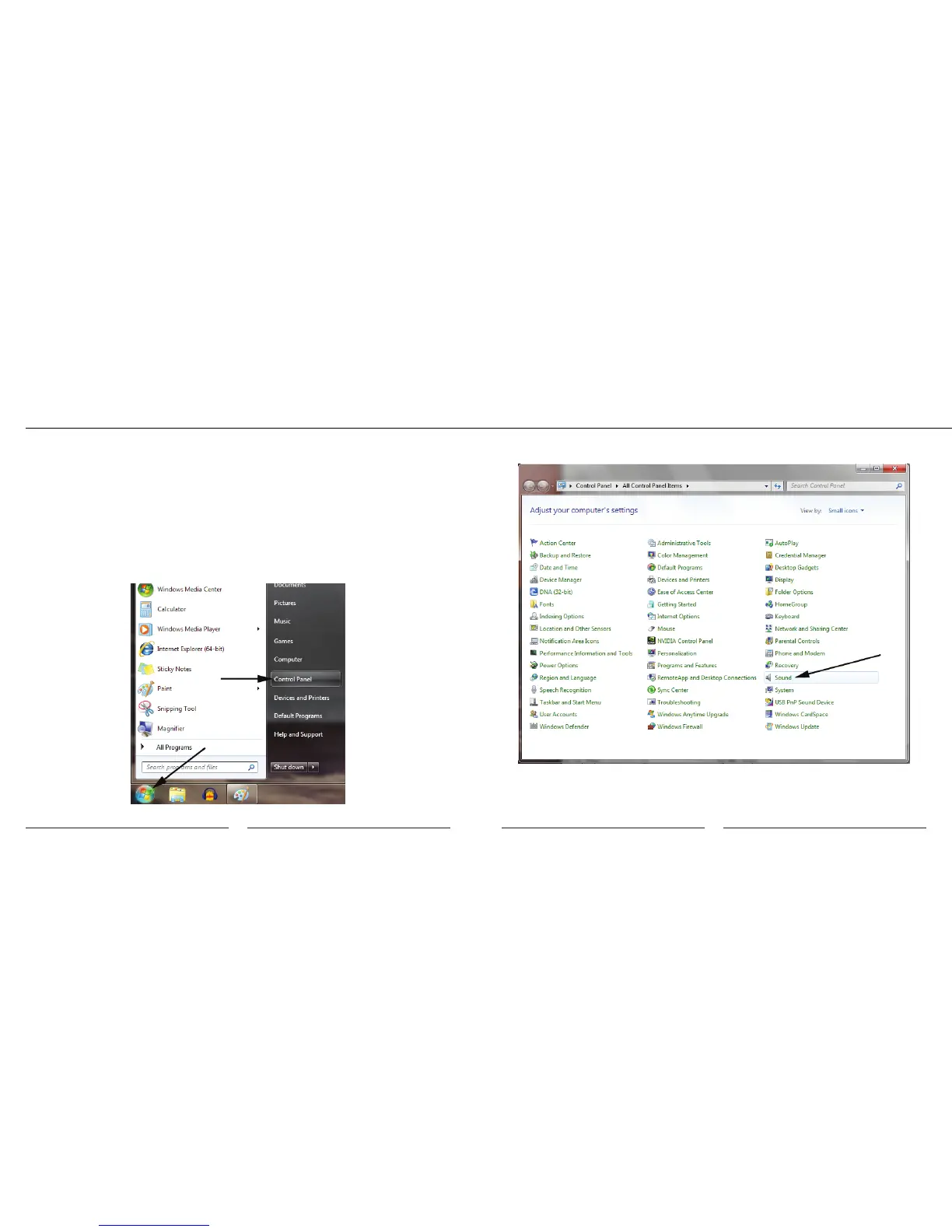
1. To select the MXL USB.006 as the default audio input device, go to the Start
Menu and select Control Panel.
Your Windows XP computer is now set up to use the MXL USB.006. Some
recording applications will require additional settings to be changed within the
program. Please see your recording software manual for proper setup.
2. Double click the Sound icon.
3. Select the Recording tab, highlight the microphone icon labeled USB Audio
Device and click Set Default.
Setup


 To Next Page