Need help?
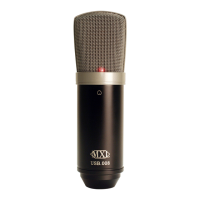
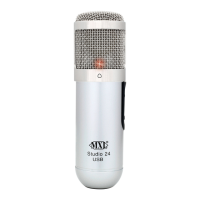
Do you have a question about the MXL Studio 24 USB and is the answer not in the manual?
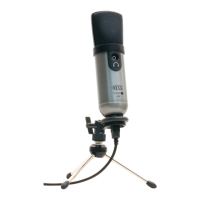
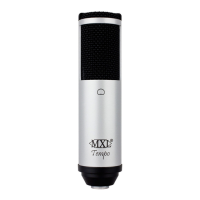
Introduction to the 24-bit USB microphone, its features, and ease of use.
Proper care, usage guidelines, and cardioid pickup pattern explanation.
Identifies key controls like LED, Gain, USB, and Headphone Jack.
Steps for connecting the MXL Studio 24 USB to a PC or Mac.
Navigating Control Panel and Sound settings to select the microphone.
Confirming changes and completing the setup process in Windows XP.
Accessing Sound settings via Control Panel for Vista and Windows 7.
Adjusting sample rate and bit-depth for playback and recording.
Using System Preferences and Sound settings for Mac.
Configuring sample rate and bit-depth via Audio MIDI Setup.
Step-by-step guide to install the Studio Control GUI on Windows XP/Vista.
Step-by-step guide to install the Studio Control GUI on Mac OSX.
Understanding and using the Leveler for gain control and Noise Gate for muting.
Managing microphone input adjustments and headphone output levels.
How to save, load, reset, and power the Studio Control GUI.
Using knobs, buttons, moving the GUI, and troubleshooting common errors.
How to test the microphone, check input levels, and avoid clipping.
Tips on volume, headroom, and balancing audio for optimal recording.
Details on the three-year warranty and procedure for making a claim.
 General
| Type | Interview microphone |
|---|---|
| Bit rate | 24 bit |
| Sample rate | 48 kHz |
| Microphone direction type | Cardioid |
| Headphone out | Yes |
| Connectivity technology | Wired |
| Product color | Silver |
| Weight | 340 g |
| Frequency range | 20 - 20000 Hz |

 To Next Page