9
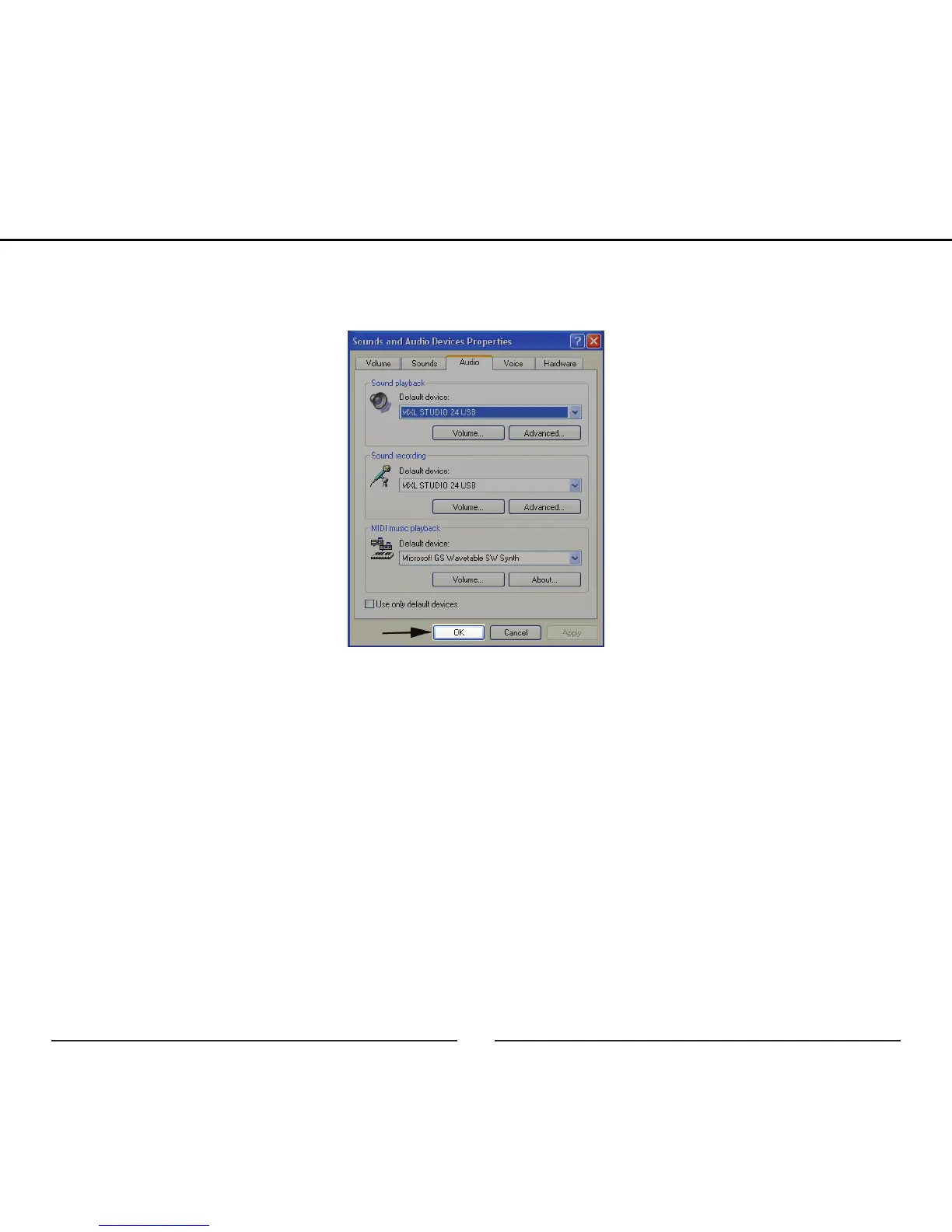
4. After making changes to the audio properties click the OK button for these
changes to take effect.
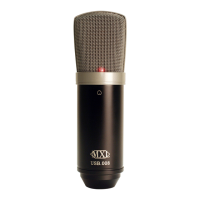
Your Windows XP computer is now set up to use the MXL Studio 24 USB with
most recording applications. Some applications will require additional settings to
be changed within the program. Please see your recording software’s manual for
proper setup.
For more in advanced controls such as volume, noise gate, monitor mixing, etc go
to page xx for installation and user instructions for the Studio Control GUI.
Setup


 To Next Page