3
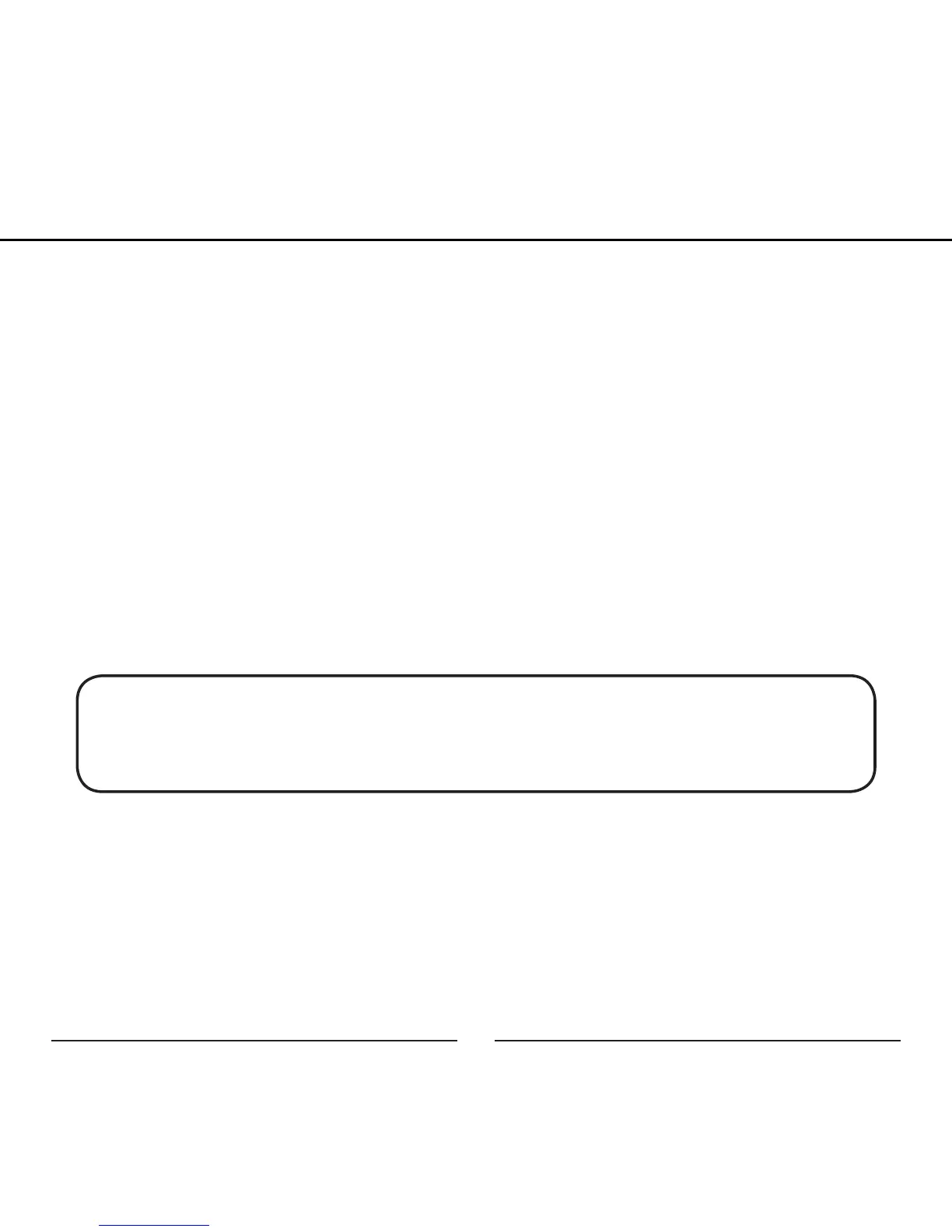
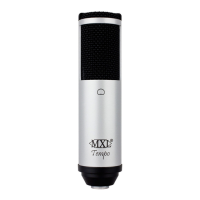
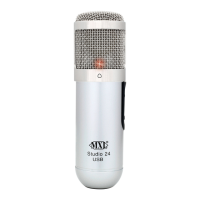
Begin by unpacking your Studio 24 USB microphone. You should have
the following components:
• Studio 24 USB microphone
• Travel case
• Mic stand
• Mic Stand adapter
• USB cable
• Software CD
• Cleaning cloth
If any of these items are missing, contact the retailer where you purchased your
Studio 24 USB.
Note: To optimize the performance of the Studio 24 USB with Windows,
we recommend downloading and using the free Asio4All driver from www.
ASIO4ALL.com]
Handling the Studio 24 USB:
MXL USB mics are a professional quality, cardioid condenser studio microphone
designed specifically for recording. The Studio 24 USB microphone uses what is
known as a cardioid pickup pattern, which is more sensitive to sound waves arriving
at the front of the microphone as opposed to those arriving from the sides or rear.
User Manual


 To Next Page