14
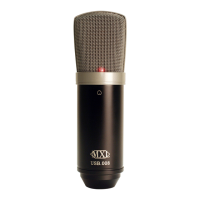
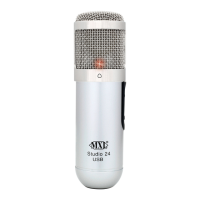
Studio 24 USB
For more in advanced controls such as volume, noise gate, monitor mixing, etc go
to page xx for installation and user instructions for the Studio Control GUI.
Initial setup with Macintosh® OS X:
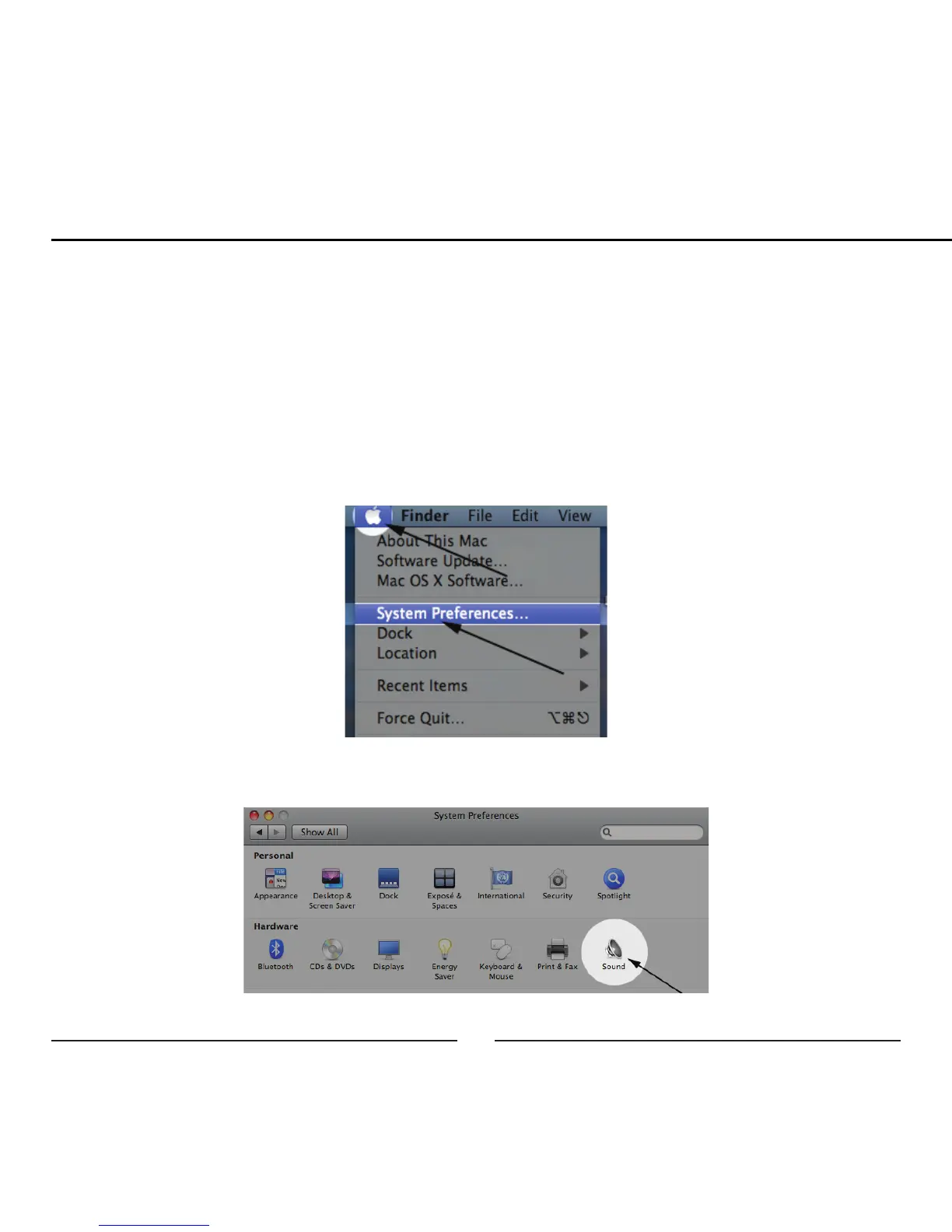
1. To select the MXL Studio 24 USB as the default audio device, click on the
Apple icon at the top of the screen then select the System Preferences.
2. Double click on the speaker icon labeled Sound.


 To Next Page