15
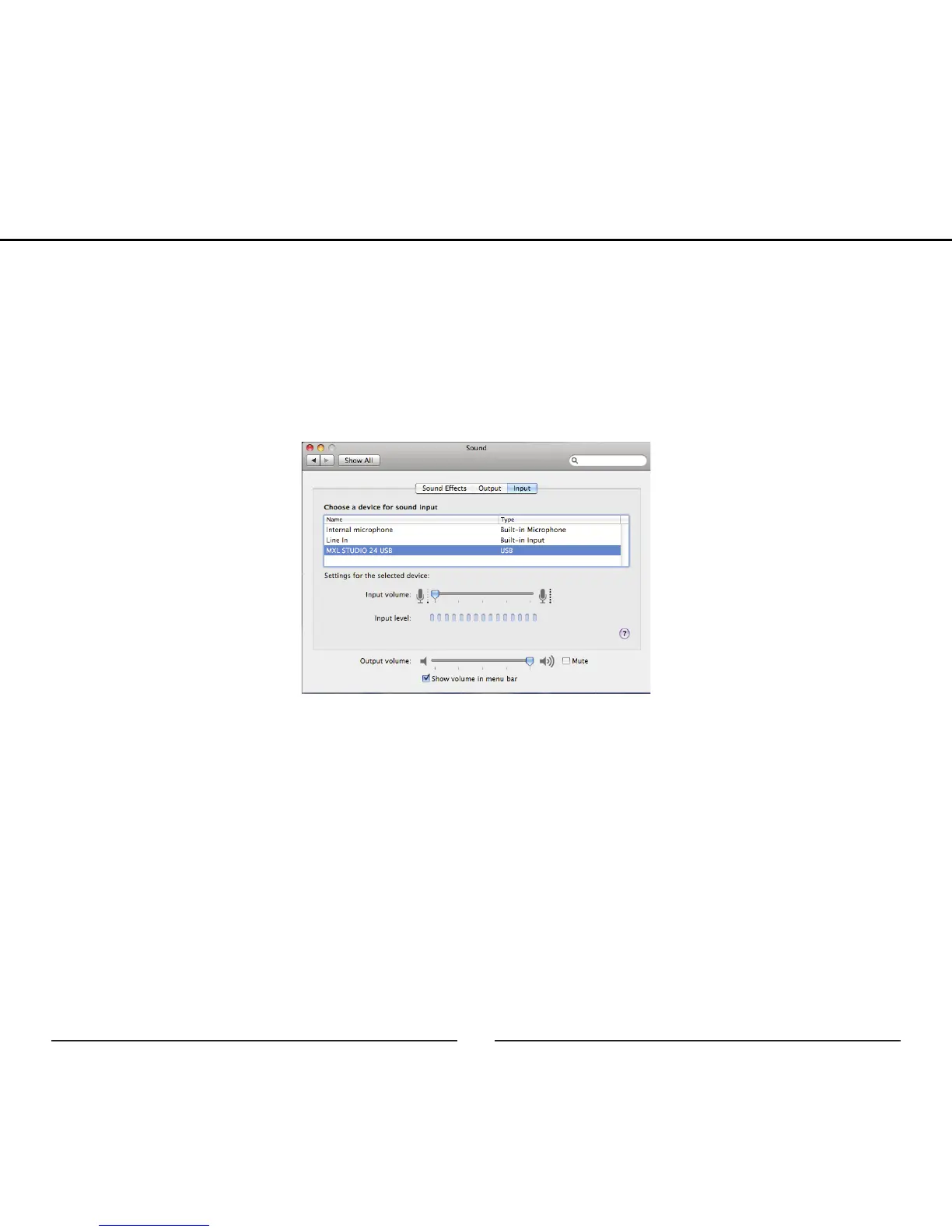
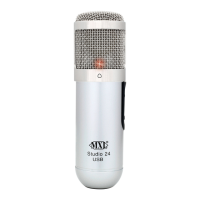
3. Click on the Input tab then select the device named MXL STUDIO 24
USB. You will notice there are no input level controls for this device. This
is because the analog gain control is found on the side of the MXL Studio
24 USB and further control can be accessed using the Studio Control GUI
(See page xx for details on the Studio Control GUI).
4. Next, click on the Output tab and select the device named MXL STUDIO
24 USB. You will notice there are no output volume controls for this
device. To make adjustments to the volume and other advanced features
use the included Studio Control GUI (See page xx for details on the Studio
Control GUI). The output volume can also be adjusted in the recording
software you are using.
Setup


 To Next Page