16
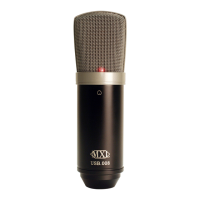
Studio 24 USB
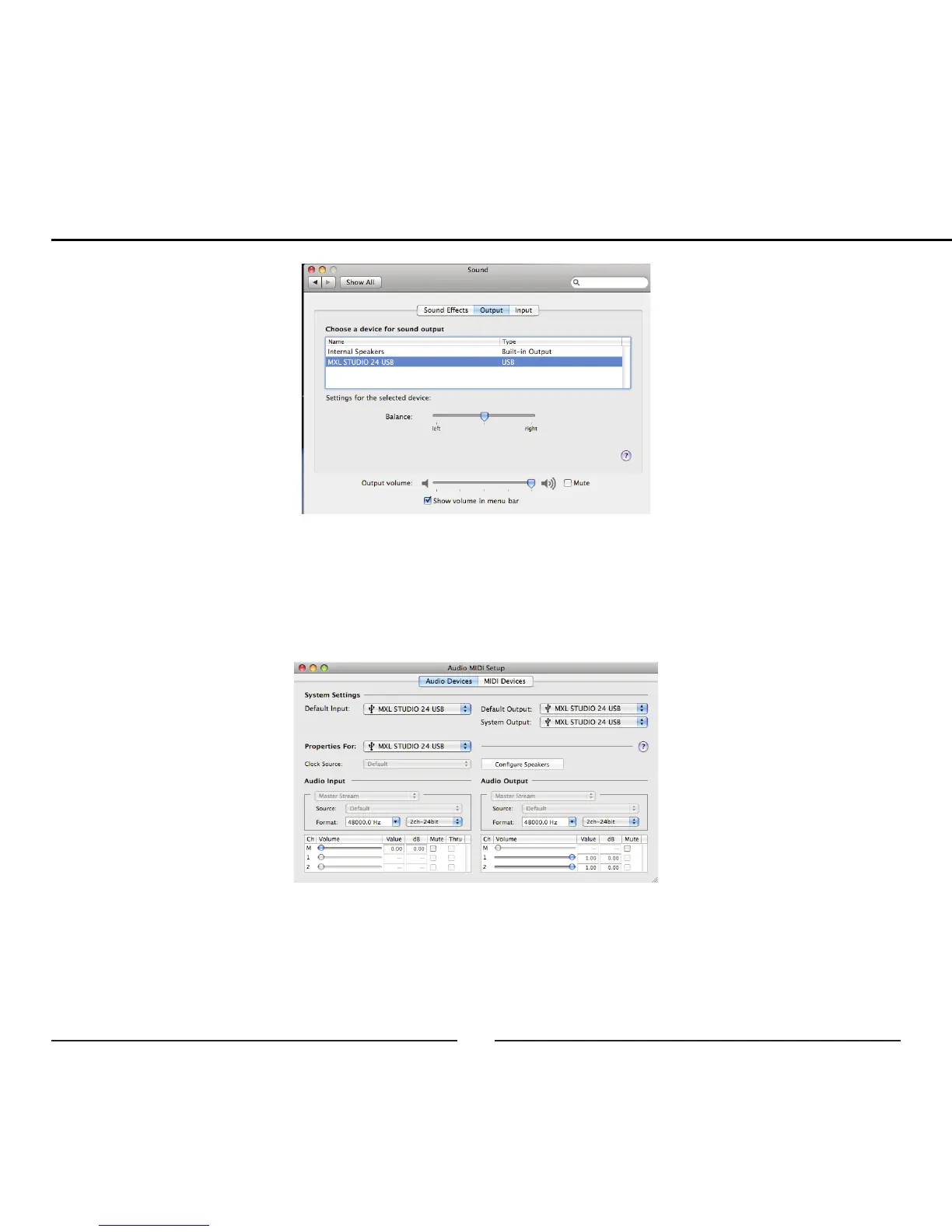
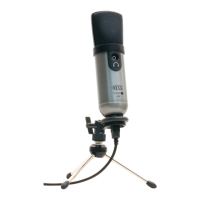
5. Further adjustments to the sample rate and bit-depths can be found in the
Audio Midi Setup (Macintosh HD > Applications > Utilities > Audio Midi
Setup). You should, however, check the settings in the recording program
you are using as they may override or conflict with these settings.
A. By selecting the MXL STUDIO 24 USB as the “Default Input,” the MXL
STUDIO 24 USB will automatically be selected as the audio input device
the next time it is plugged in.


 To Next Page