13
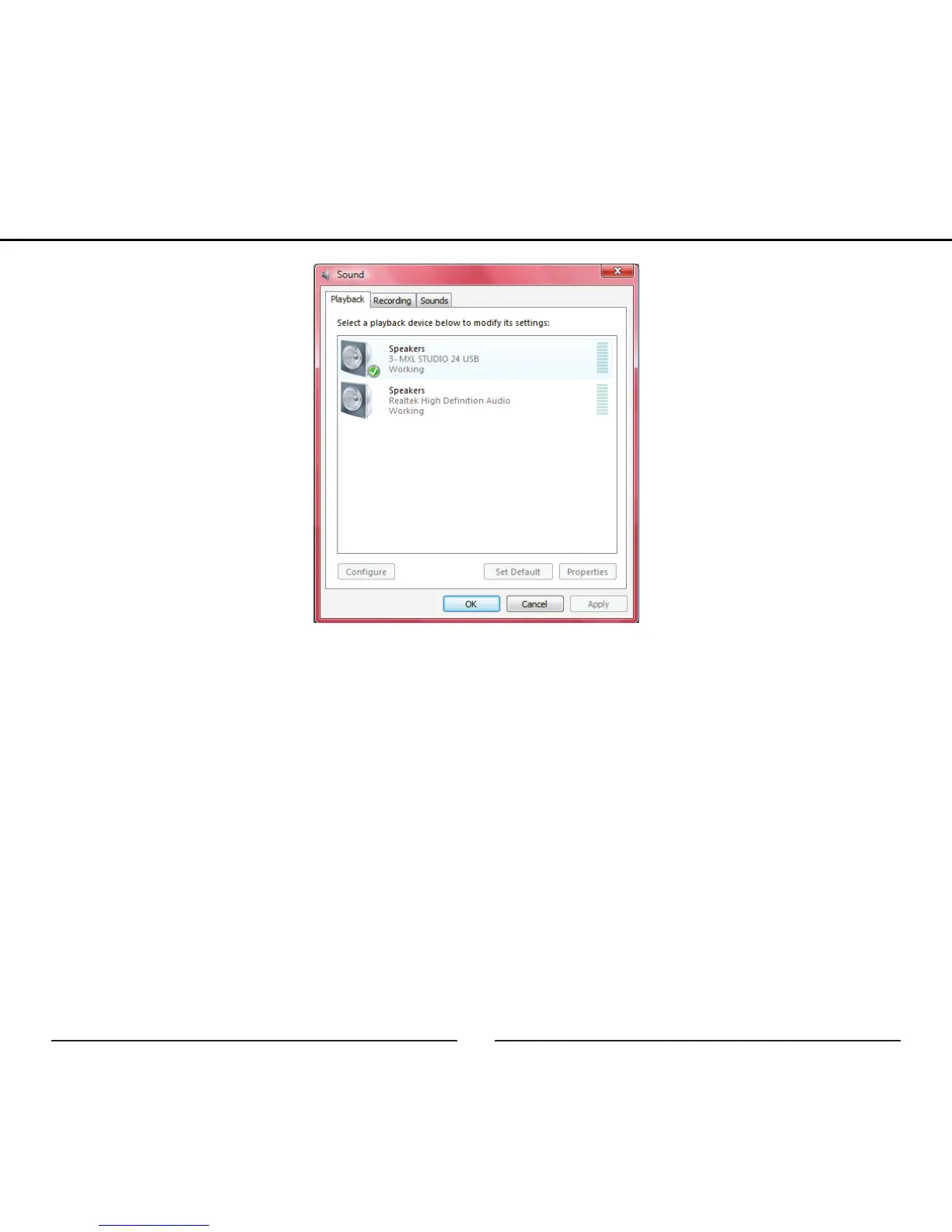
6. To make adjustments to the recording sample rate and bit depth double-
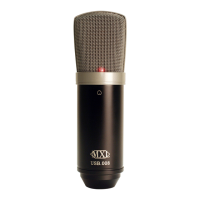
click on the microphone icon labeled MXL STUDIO 24 USB. Click on
the tab labeled Advanced. From the drop-down menu you can change
the sample rate and bit-depth for audio recording. *Please note that you
should verify that these settings match the settings in your recording
application.
Your Windows Vista computer is now set up to use the MXL Studio 24 USB with
most recording programs. Some recording applications will require additional set-
tings to be changed within the program. Please see your recording software manual
for proper setup.
Setup


 To Next Page