7
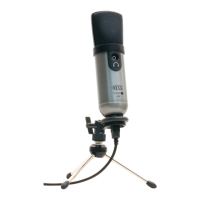
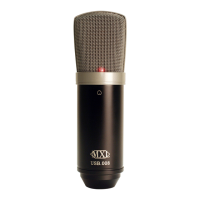
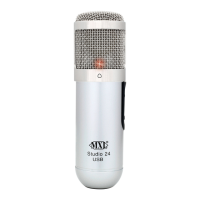
3. The red LED on the MXL Studio 24 USB will illuminate indicating it is
receiving power from the computer.
4. To take advantage of the zero latency monitoring connect a pair of head-
phones to the 1/8” headphone jack on the side of the microphone.
Initial Setup with Windows XP:
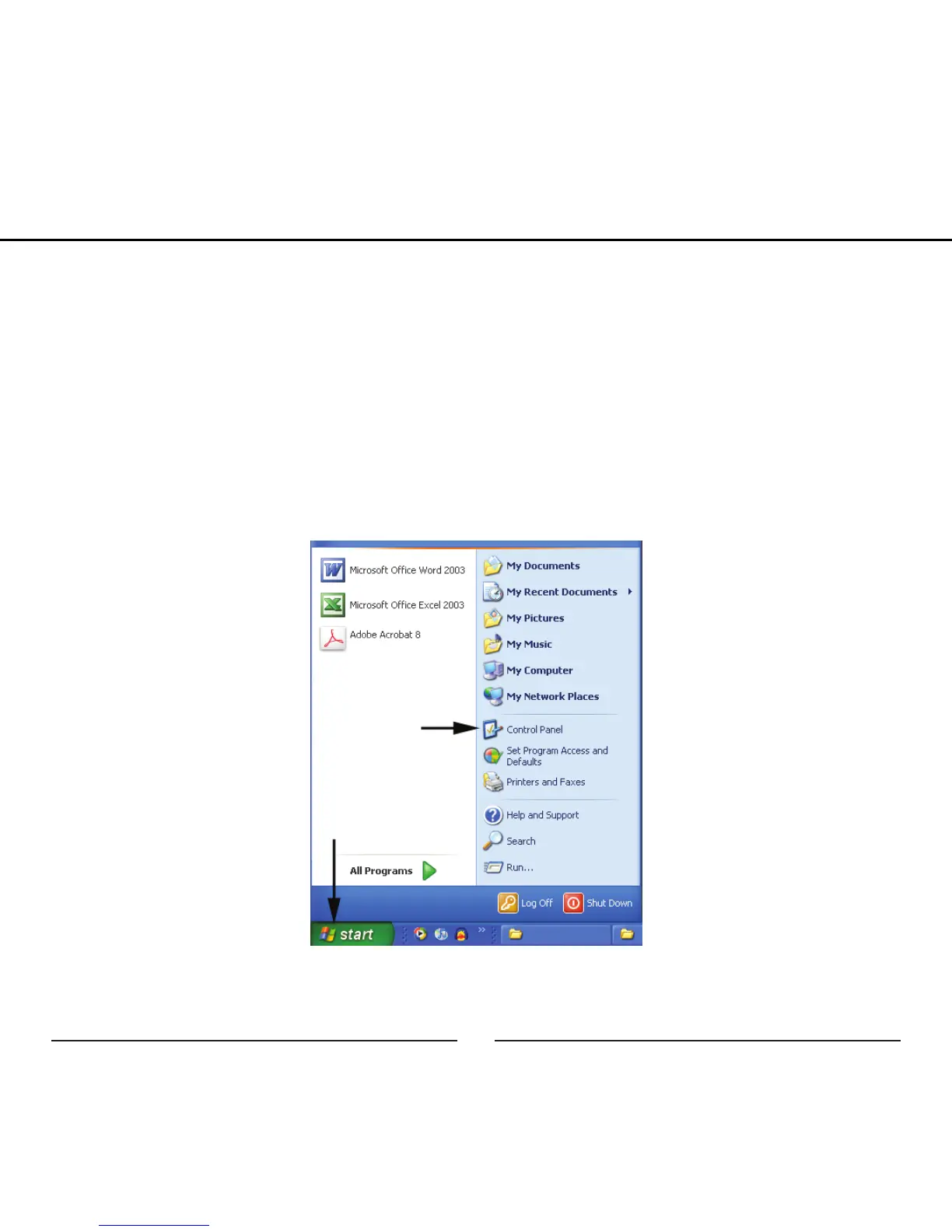
1. To select the MXL Studio 24 USB microphone as the default audio device,
go to the Start Menu and select Control Panel.
2. Select Sounds and Audio Devices.
Setup


 To Next Page