6
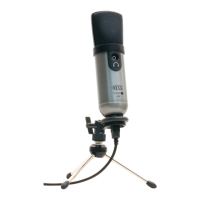
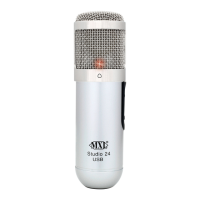
Studio 24 USB
Software Tips:
For PC Users:
To get started on multi-
tracking and overdub-
bing, we recommend
using the free 30-day
trial shareware version of
Reaper. The software has
already been loaded on
the included disc or you
can download a free trial
at http://www.reaper.fm.
For Macintosh Users:
Garage Band is the easi-
est way to get started if
you are using a Macin-
tosh computer. Since it’s
included on most Macin-
tosh computers, you
probably have it installed
and ready to go!
Connecting the Studio 24 to Your Computer:
The MXL Studio 24 USB will operate with both USB 2.0
(high speed USB) and USB 1.1 data buses. We recom-
mend you connect your microphone directly to the com-
puter’s USB port as opposed to using a USB hub. USB
hubs have been known to interfere with the performance
of various USB devices.
Note: Audio and video recording can be very
taxing to a computer’s resources. For this
reason, you should close any and all running
applications that are non-essential.
Please take the following steps to get
connected:
1. If open, close your audio recording application.
You will open it after the MXL Studio 24 USB is
connected and operational.
2. Connect the corresponding ends of the sup-
plied USB cable to the Studio 24 USB and the
computer’s USB port.


 To Next Page