M307 | MXR
®
Layers
™
Pedal 3
2
1
External Controls (cont.)
3
4
7
6
8
5
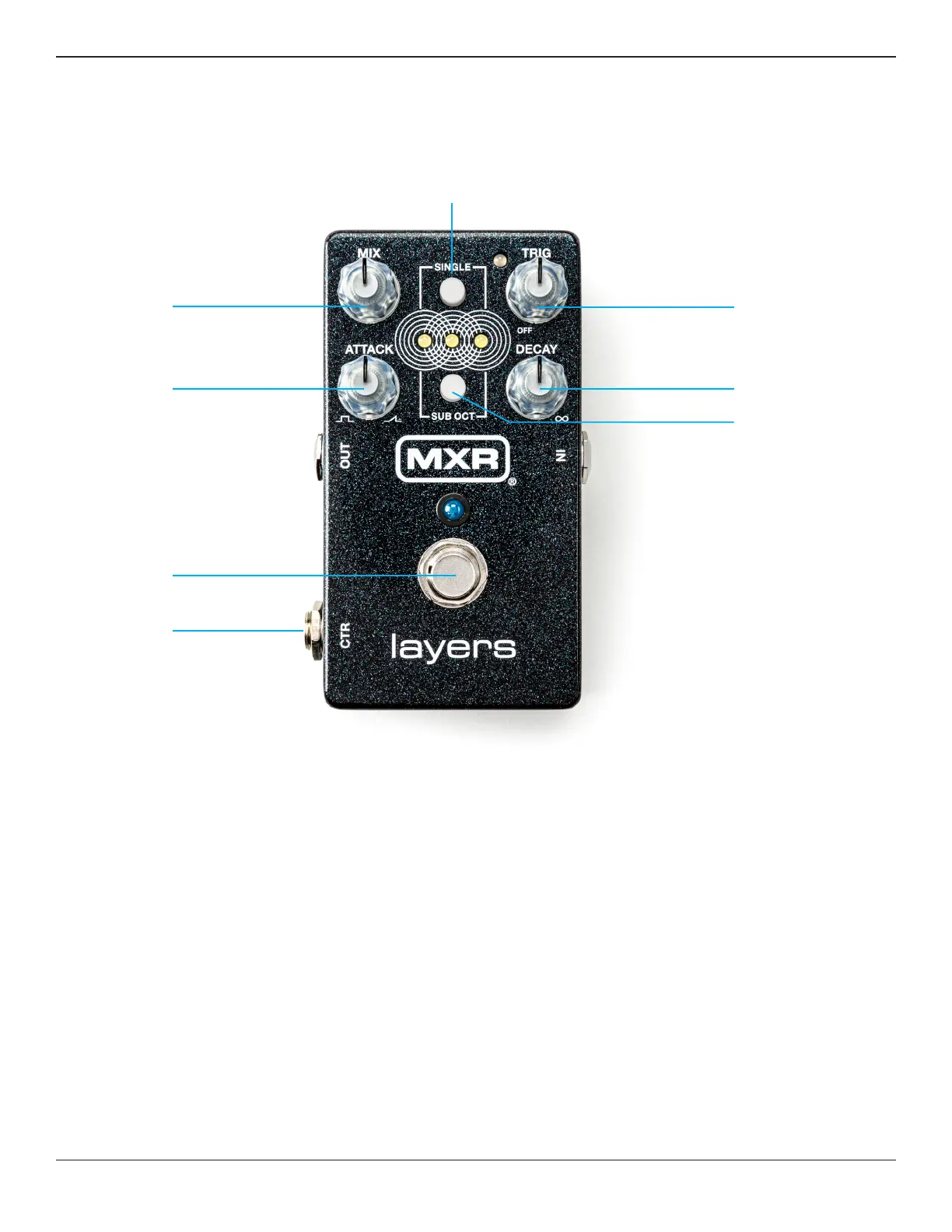
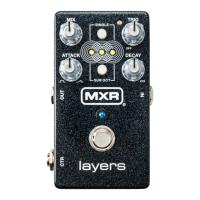
7 DECAY knob sets the decay, or fade out, time of each layer.
For a given DECAY setting, higher frequencies will decay
faster than lower frequencies, just like they do for a physical
vibrating string. When TRIG knob is in the OFF position, the
effect signal will automatically bypass once all three layers
have fully decayed. The three layers LEDs and the main
bypass LED will turn off to indicate bypassed status.
8 SUB OCT button transposes new layers down an octave.
Previously created layers will not be affected. This allows
you to have some layers at the normal transposition
and others shifted down an octave. This mode can be
adjusted on the fly using an expression pedal to morph
between different settings (see Advanced Operation).
There is also a setting for only transposing the lowest
frequencies of a layer down an octave (see Advanced
Settings)—useful for adding bass to a layer without
having the whole chord or note transposed down.


 To Next Page