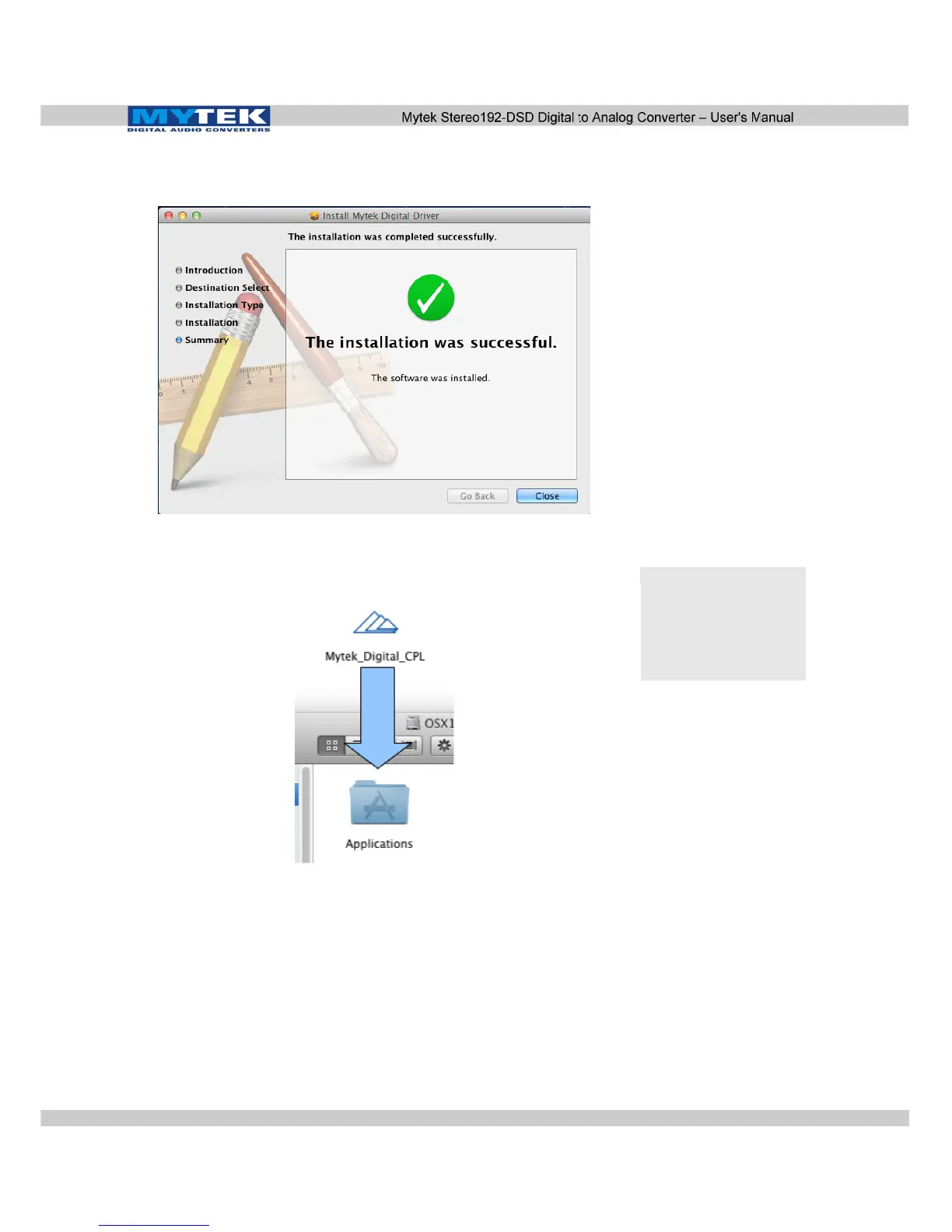
6. Once the installation is complete press the Close button in the
lower right hand corner.
7. Copy the Mytek_Digital_CPL inside the Mytek_Digital_
SDK_XXXX mounted drive to the Applications folder.
Note!
When reinstalling the
Mytek_Digital_CPL
application you will need
to replace the previous
application installation.
www.mytekdigital.com Page: 18/48


 To Next Page