EasyManua.ls Logo

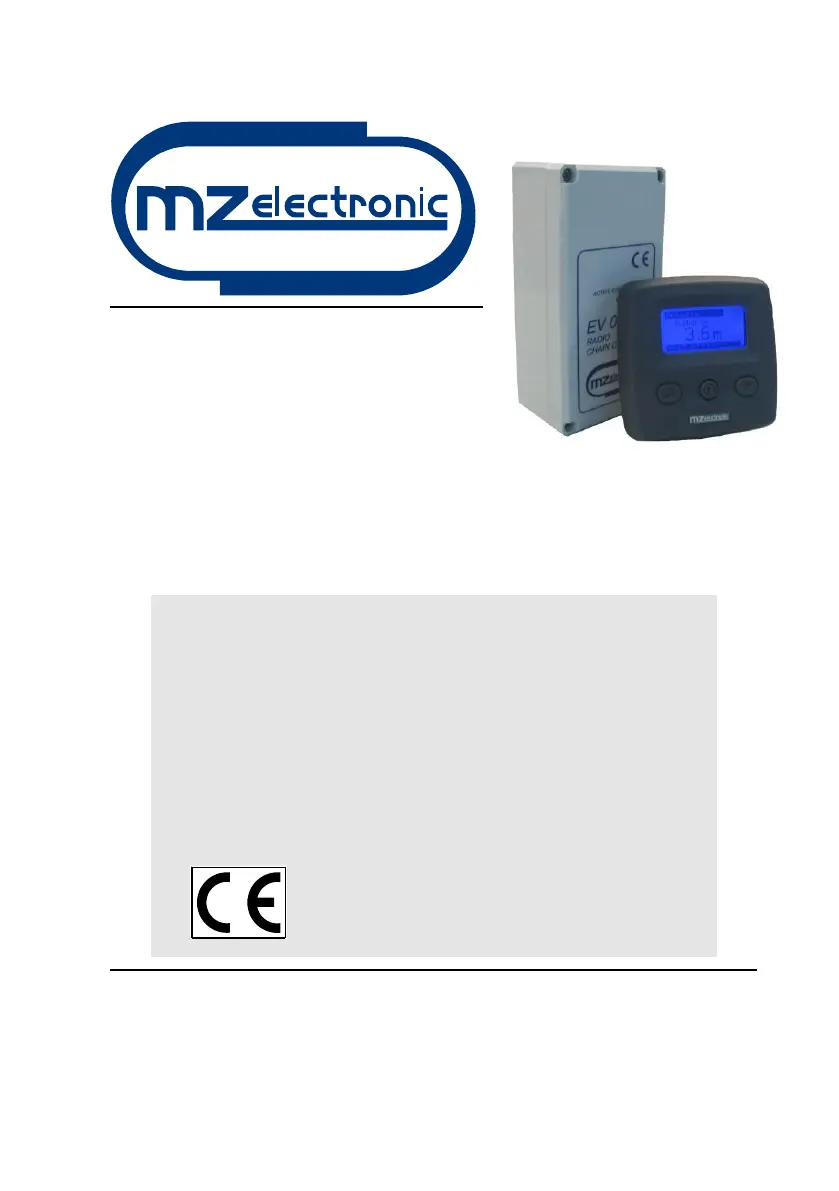
MZ electronic EV030-Radio - User Manual

Default Icon
76 pages
Go to English
Print Icon
To Next Page IconTo Next Page
Loading...
Istruzioni per l’uso
Instructions for use
Instructions d'utilisation
Gebrauchsanweisung
Instrucciones de uso
RADIO CONTAMETRI
RADIO CHAIN COUNTER
RADIO COMPTEUR MÉTRIQUE
RADIO METERZÄHLER
RADIO CUENTAMETROS
EV030-Radio
Rev. 08 2019

Questions and Answers

  • J
    Julia AllenAug 3, 2025
    What to do if MZ electronic Cash Counter shows Low Voltage?
    • B
      burnettmichaelAug 3, 2025
      If your MZ electronic Cash Counter displays a 'Low Voltage' message, it means the power supply voltage is lower than 10V. You should check the battery charge and the operation of the electrics system.
  • F
    fburkeAug 16, 2025
    How to fix MZ electronic Cash Counter when it shows 'No Sensor'?
    • M
      Michelle RyanAug 16, 2025
      If your MZ electronic Cash Counter displays 'No Sensor', even when pressing the UP or DOWN keys, it indicates the instrument isn't receiving a signal from the magnetic sensor for more than 5 seconds. Here’s what you should do: * Check the sensor's electrical connections. * Confirm the sensor is working correctly; replace it if necessary. * Verify the sensor and magnet's position and distance on the gipsy (3 mm). * Inspect the electric installation or anchor windlass operation.

Summary

Electrical Connections

Radio Chain Counter Wiring

Wiring details for the 10-pole rear connector of the chain counter.

Power Unit Connections

Wiring details for the transmitter-receiver power unit's connector.

Configuration Menus

Chain Counter Settings

Accessing and modifying main settings via the menu.

Alarm and Function Settings

Configuring alarm levels and auto-down functions for anchor operation.

Sensor Calibration

Sensor Detection

Calibrating the instrument based on installed sensor type.

Gipsy and Reduction Factor Settings

Configuring gipsy circumference or reduction factor for accurate measurement.

Operational Functions

Support and Warranty

Troubleshooting Guide

Common faults, their causes, and corrective actions for the EV030-Radio.

Electrical Schematics

MZ electronic EV030-Radio Specifications

General IconGeneral
BrandMZ electronic
ModelEV030-Radio
CategoryCash Counter
LanguageEnglish

Related product manuals