EasyManua.ls Logo

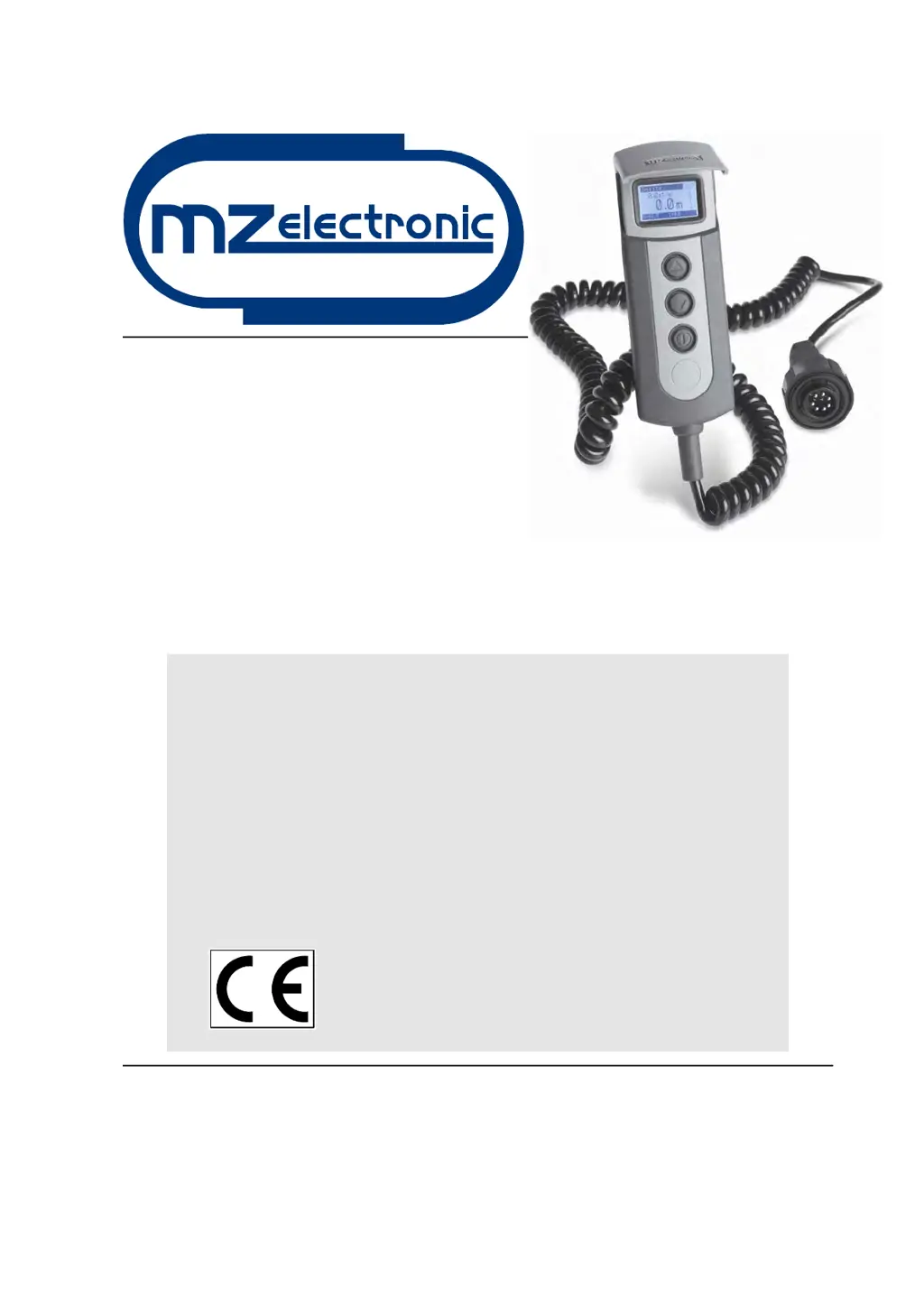
MZ electronic EV-020 - User Manual

MZ electronic EV-020
17 pages
Print Icon
To Next Page IconTo Next Page
Loading...
Istruzioni per l’uso
Instructions for use
Instructions d'utilisation
Gebrauchsanweisung
Instrucciones de uso
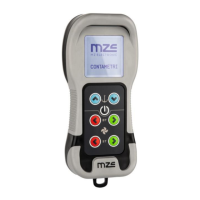
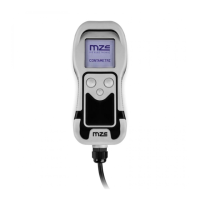
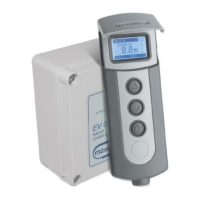
CONTAMETRI
CHAIN COUNTER
COMPTEUR MÉTRIQUE
METERZÄHLER
CUENTAMETROS
EV-020
Rev. 11 – 2014

Questions and Answers

  • H
    harperericaJul 26, 2025
    What to do if MZ electronic Cash Counter shows overcurrent?
    • K
      Kathryn SerranoJul 26, 2025
      If your MZ electronic Cash Counter displays an overcurrent warning, it means the sensor is measuring current exceeding the set alarm value. First, check the electric system's operation. Then, you can reset the alarm by pressing any key.
  • H
    Heather ChungJul 31, 2025
    How to fix MZ electronic EV-020 if sensor is not working?
    • K
      Kimberly MasonAug 1, 2025
      If your MZ electronic Cash Counter displays a 'No Sensor' message, even when pressing the UP or DOWN keys, it indicates the instrument isn't receiving a signal from the magnetic sensor for more than 5 seconds. Here’s what you should do: * Check the sensor's electrical connections. * Verify the sensor is operating correctly; replace it if necessary. * Check the sensor and magnet position on the gipsy and their distance (3 mm). * Examine the operation of the electric installation or anchor windlass.
  • S
    sharonhillAug 6, 2025
    Why MZ electronic Cash Counter displays low voltage?
    • J
      Julie SmithAug 6, 2025
      If your MZ electronic Cash Counter shows a 'Low Voltage' warning, it means the power supply voltage is below 10V. To resolve this, verify the battery charge or the operation of the electrics system.
  • M
    Ms. Renee Beasley DDSAug 13, 2025
    What to do if MZ electronic Cash Counter shows low voltage?
    • R
      Robert DiazAug 13, 2025
      If your MZ electronic Cash Counter displays a low voltage reading, it means the power supply voltage is lower than 10V. To resolve this, verify the battery charge or check the operation of the electrical system.
  • J
    james10Aug 18, 2025
    How to fix MZ electronic Cash Counter when it displays 'No Sensor'?
    • B
      bowersheatherAug 19, 2025
      If your MZ electronic Cash Counter displays 'No Sensor', it indicates that the instrument isn't receiving a signal from the magnetic sensor for more than 5 seconds, even when the UP or DOWN keys are pressed. Here's what you can do: * Check the sensor's electrical connections. * Verify if the sensor is operating correctly; if not, replace it. * Check the position and distance (3 mm) between the sensor and magnet. * Examine the operation of the electrical installation or anchor windlass.

Summary

Installation Guide

Magnet Installation on Anchor Windlass

Attaching the magnetic sensor to the anchor windlass gipsy for accurate chain counting.

Magnetic Sensor Installation for Vertical Shaft Windlasses

Steps for mounting the magnetic sensor on vertical shaft anchor windlasses.

Magnetic Sensor Installation for Horizontal Shaft Windlasses

Steps for mounting the magnetic sensor on horizontal shaft anchor windlasses.

Chain Counter Unit Installation

Guidance on physically installing the chain counter unit and its associated components.

Operation and Configuration

Electrical Connections and Pinout

Details on electrical connections and the 6-pole rear connector pinout for the chain counter.

Initial Startup and Display Overview

Procedure for initial power-on, understanding the main display, and key functions.

Chain Counter Settings Menu

Accessing and navigating the primary configuration menu for the chain counter.

Measurement Settings

Configuration options related to chain measurement and units.

Alarms and Functions Configuration

Setup for alarms, automatic functions, and default settings.

General Settings Menu

Adjustments for display contrast, backlight, and keyboard beep.

Language Selection Menu

Options for selecting the user interface language.

Sensor Calibration Procedures

Calibration steps for sensor detection, gipsy circumference, and factors.

System Check Menu

Diagnostic checks for sensor, LCD, software version, and operating hours.

Using the Chain Counter

Basic Operation Controls

Instructions for using the ON, UP, and DOWN keys to control anchor ascent and descent.

Resetting Chain Measurement Count

Methods for resetting the chain measurement count via key combinations or menu.

Automatic Anchor Deployment

Enabling and utilizing the automatic anchor lowering feature for convenience and safety.

Troubleshooting and Warranty Information

Troubleshooting Common Issues

Identifies common faults, their potential causes, and recommended corrective actions.

Product Warranty Details

Outlines the terms, conditions, and duration of the product warranty.

MZ electronic EV-020 Specifications

General IconGeneral
BrandMZ electronic
ModelEV-020
CategoryCash Counter
LanguageEnglish

Related product manuals