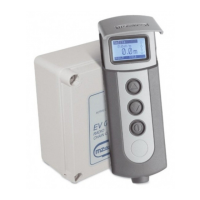
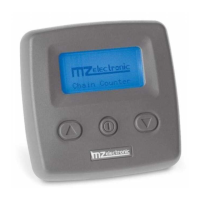
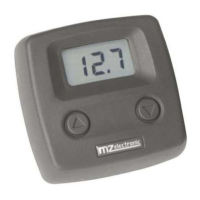
EV-020 Rev. 11 – 2014
23
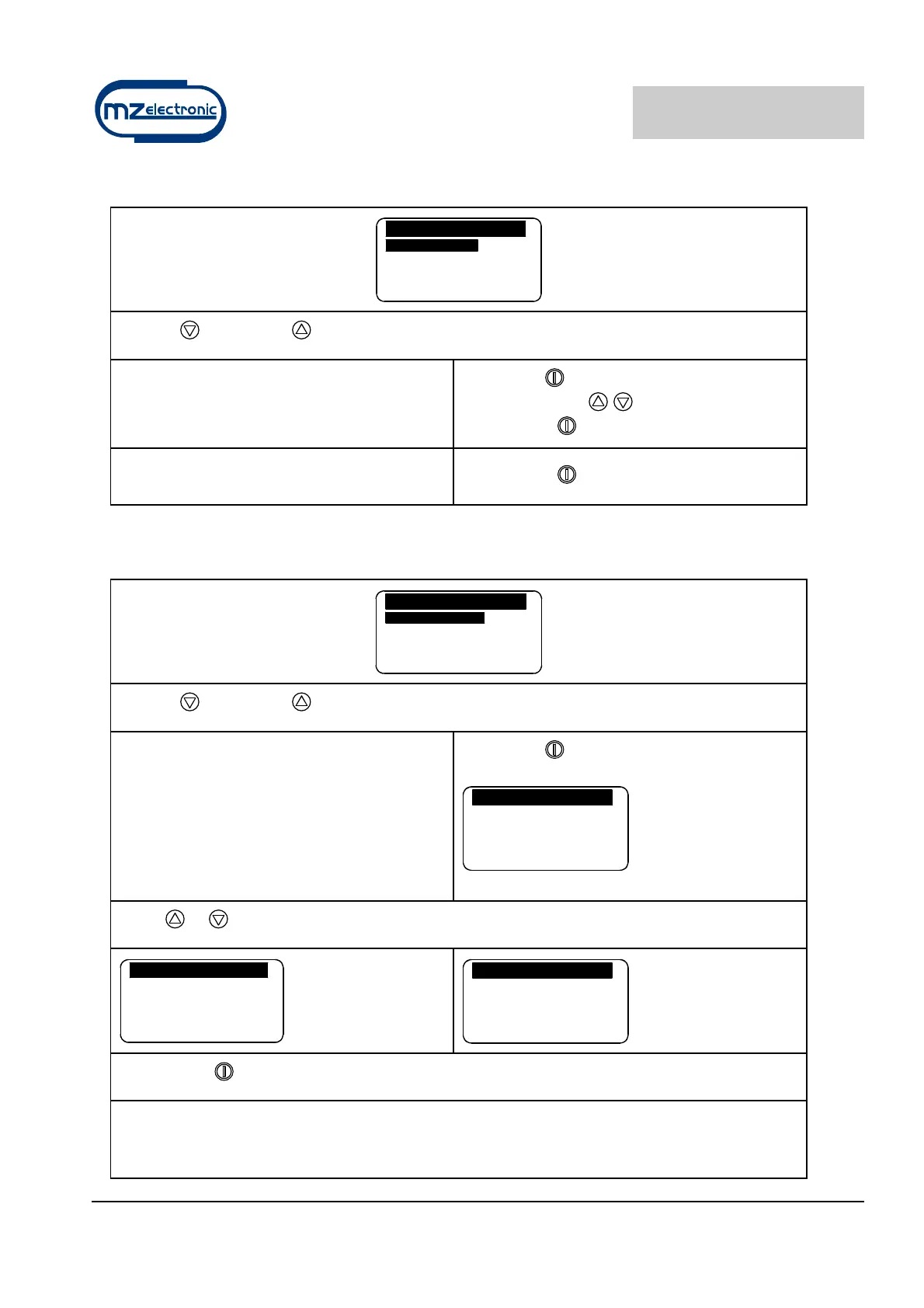
Language menu
Language
L a n g u a g e E n g l i s h
E x i t
Use the (DOWN) or (UP) key to move around the parameters.
Language
The user may select the display language:
Italian, English, French, German, Spanish
Select with
Select value with
Confirm with
Exit
To return to the settings menu.
Confirm with
Sensor calibration menu
Sensor Calibrat
S e n s o r D e t e c t .
Barb. Circ. 3 3 . 0
E x i t
Use the (DOWN) or (UP) key to move around the parameters.
Sensor Detect
This function has the purpose of calibrating
the instrument according to the type of
sensor installed (Standard or Project).
The second screen indicates the time for a
sensor period and type.
Select with
Sensor Detect.
P r e s s U p / D o w n K e y
t o r u n t h e m o t o r
Press or
Sensor Detect
P r e s s U p / D o w n K e y
t o r u n t h e m o t o r
0 . 4 0 0 s e c .
S e n s o r : S t d
Sensor Detect
P r e s s U p / D o w n K e y
t o r u n t h e m o t o r
0 . 4 0 0 s e c .
S e n s o r : P r o j .
Confirm with
Once the “Sensor Detection” function has recognised a “Standard” type sensor instead of a
“Project” sensor, when the “Sensor Calibrat.” menu is entered again, the menu options will
“configure” themselves according to the sensor detected.


 To Next Page