13
Fig. 27
Remove the cheek padding and the shell
gasket;
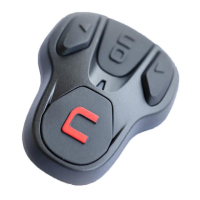
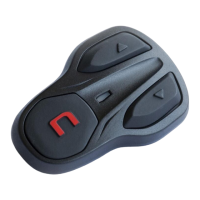
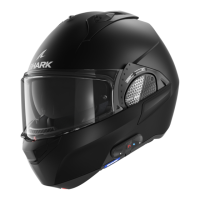
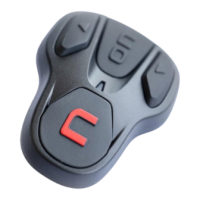
Remove the keypad from the shell, as
shown in fig. 27.
FOR N87 – N100-5 HELMENTS ONLY – removing the keypad
Remove the keypad from the shell, as indicated in fig. 28.
Rotate the keypad in a counterclockwise direction (Fig. 29)
Remove the cheek padding and the shell gasket.
Fig. 28
Fig. 29
Fig. 30
Unhook the right and left clips from the
shell, levering upward using a flat head
screw (or a similar tool), as shown in figure
30.
Fig. 31
Completely remove the B901L system
from helmet using a flat head screwdriver
(or similar tool) and re-install the cheek
padding and the edge gasket.



 To Next Page