26
5. In case you wish to add another system (D), the latter must be paired up beforehand to
system C. Press the relative connection command to start a 4-participant intercom
conference call.
Note: The “
Universal Conference
” mode can also be used by connecting only “900” series N-Com
systems”.
Note: The “
Universal Conference
” mode can also be used by connecting “900” series N-Com systems
with other N- Com devices (B5, B1.4, etc.)
16. REMOTE CONTROL
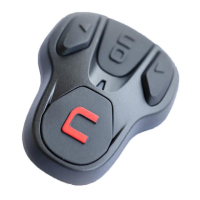
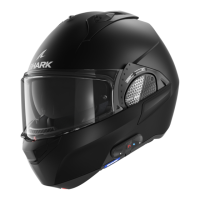
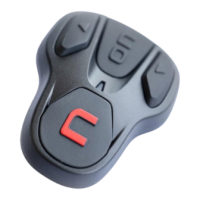
The B901L device can be controlled through a remote control (sold separately), thus avoiding the
need to take your hands off the handlebars to use the keyboard.
Please refer to the specific operating instructions of the Remote Control in order to use its various
functions.



 To Next Page