EasyManua.ls Logo

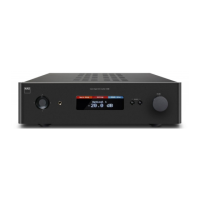
NAD C 165BEE - User Manual

NAD C 165BEE
16 pages
Print Icon
To Next Page IconTo Next Page
Loading...
ENGLISHFRANÇAISESPAÑOLITALIANODEUTSCHNEDERLANDSSVENSKAРУССКИЙ
®
Owners Manual
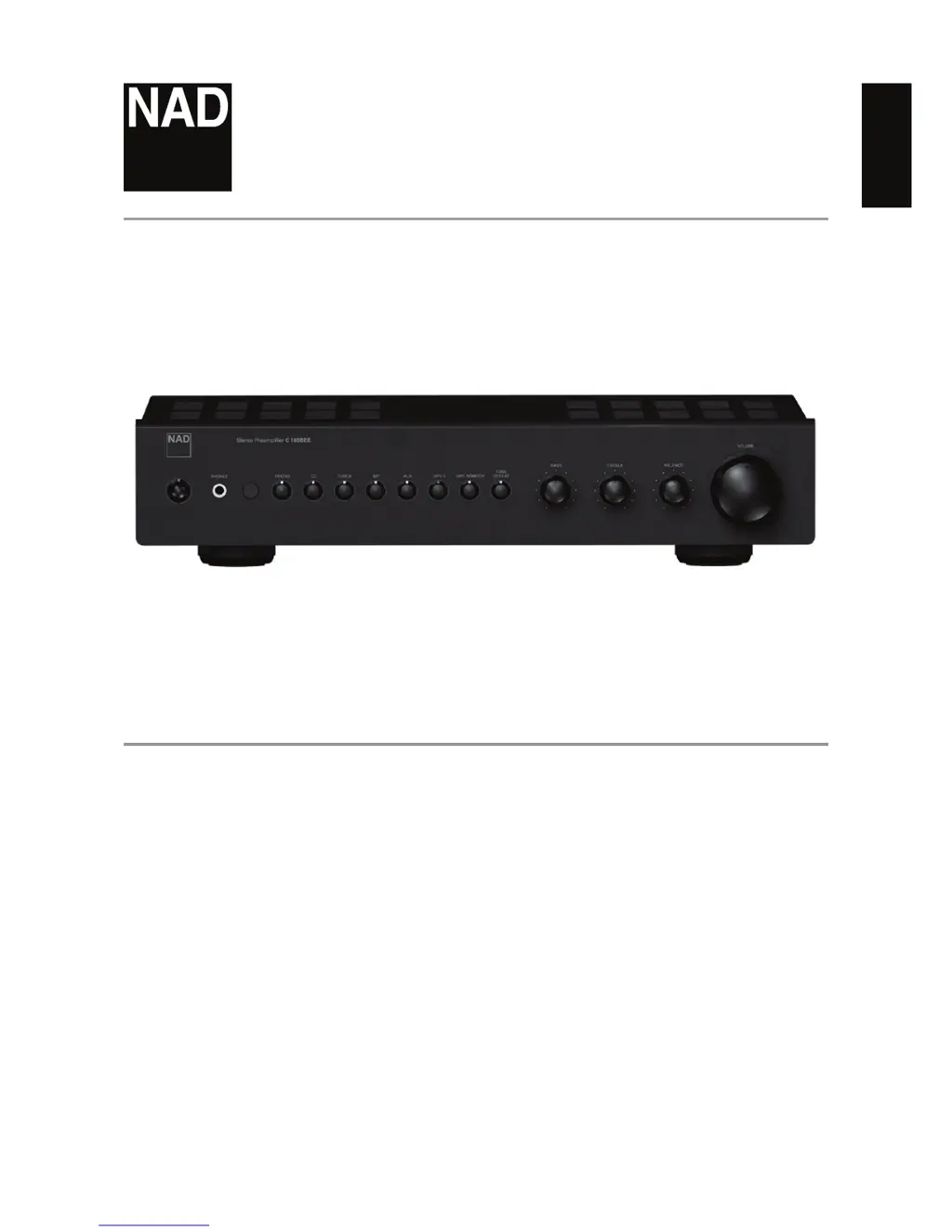
C165BEE
Stereo Preamplier

Other manuals for NAD C 165BEE

Questions and Answers

  • D
    David DelacruzAug 2, 2025
    How to troubleshoot no sound on NAD C 165BEE?
    • E
      Edward RobertsAug 2, 2025
      If your NAD Amplifier produces no sound, first ensure the AC lead is properly plugged in and the power is switched ON. Also, check if the 'Mute' function is activated and switch it off. Finally, verify that the 'Tape Monitor' mode is de-selected.
  • C
    Christian BurnsAug 8, 2025
    What to do if NAD C 165BEE PHONO section has problems?
    • J
      Jennifer DouglasAug 8, 2025
      If you're experiencing issues with the PHONO section of your NAD Amplifier, first, confirm that the MC-MM switch is set to the correct input. If there's a hum, check if the phono earth lead is connected to the PHONO GROUND connector. For a weak or distorted signal, verify that the turntable is connected to the correct MM or MC phono input.
  • J
    Joel GoodwinAug 14, 2025
    How to fix no sound in one channel on NAD Amplifier?
    • A
      Amanda LeeAug 14, 2025
      If you're getting no sound from one channel on your NAD Amplifier, begin by centering the Balance control. Then, check the RCA lead to the power amplifier, ensuring it's properly connected and not damaged. Also, inspect the input lead for any disconnections or damage.
  • T
    Tanner SmithAug 20, 2025
    What to do if NAD Amplifier has no sound from Subwoofer?
    • C
      Charles BraunAug 20, 2025
      If there is no sound from the subwoofer connected to your NAD Amplifier, make sure the subwoofer is powered on and properly connected. Check the subwoofer’s AC outlet and all connections to ensure they are secure.
  • A
    Audrey GonzalezAug 27, 2025
    Why is my NAD C 165BEE remote control not working?
    • B
      Bruce MooreAug 27, 2025
      If the remote control handset for your NAD Amplifier isn't working, start by checking or replacing the battery. Then, ensure that there are no obstructions blocking the IR transmitter or receiver windows. Direct sunlight or very bright ambient light can also interfere, so try moving the unit away from direct sun or reducing the ambient light.

Summary

IMPORTANT SAFETY INSTRUCTIONS

CAUTION REGARDING PLACEMENT

Provides guidance on proper ventilation and space around the unit for optimal performance and safety.

NOTES ON ENVIRONMENTAL PROTECTION

Instructions for proper disposal of the product and batteries at the end of their life cycle.

INFORMATION ABOUT COLLECTION AND DISPOSAL OF WASTE BATTERIES

Guidance on collecting and recycling waste batteries according to EU directives.

INTRODUCTION AND GETTING STARTED

SETUP AND INSTALLATION GUIDANCE

Covers unpacking, saving packaging, choosing location, and installation notes for initial setup.

IDENTIFICATION OF FRONT PANEL CONTROLS

IDENTIFICATION OF REAR PANEL CONNECTORS

IDENTIFICATION OF REAR PANEL FEATURES

REAR PANEL POWER AND AC OUTLETS

Details the power switch, AC mains input, and switched/unswitched AC outlets on the rear panel.

IDENTIFICATION OF SR 8 REMOTE CONTROL

REMOTE CONTROL BUTTON FUNCTIONS

Explains the operation of various buttons on the SR 8 remote for CD players and tuners.

REFERENCE AND TROUBLESHOOTING

REFERENCE SPECIFICATIONS

WARRANTY INFORMATION

NAD C 165BEE Specifications

General IconGeneral
BrandNAD
ModelC 165BEE
CategoryAmplifier
LanguageEnglish

Related product manuals