EasyManua.ls Logo

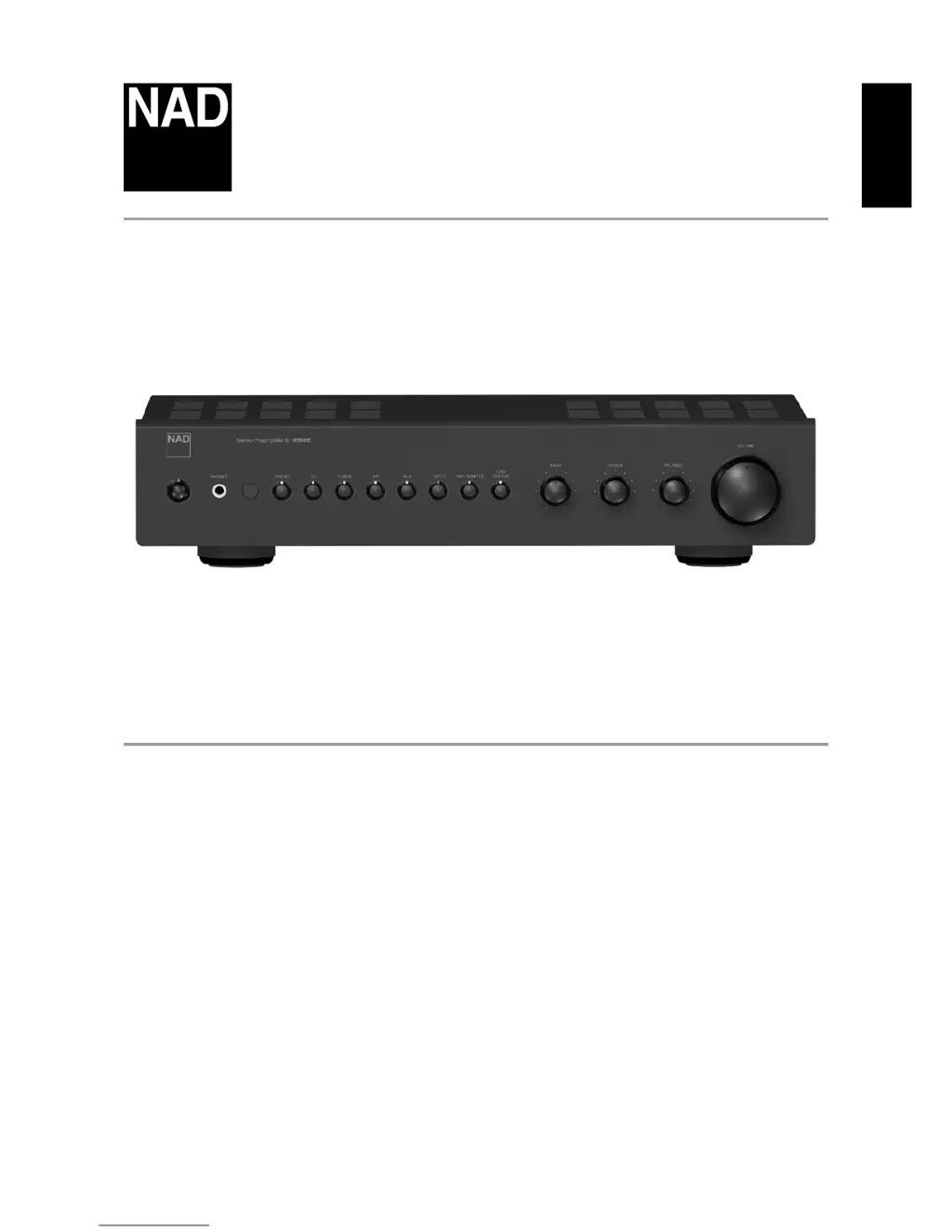
NAD C165BEE - User Manual

NAD C165BEE
14 pages
Print Icon
To Next Page IconTo Next Page
Loading...
ENGLISHFRANÇAISESPAÑOLITALIANODEUTSCHNEDERLANDSSVENSKAРУССКИЙ
®
Owners Manual
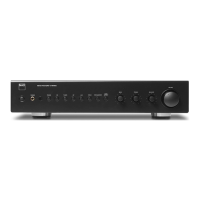
C165BEE
Stereo Preamplier

Other manuals for NAD C165BEE

Questions and Answers

  • K
    Keith JonesJul 26, 2025
    How to troubleshoot no sound on my NAD C165BEE Amplifier?
    • L
      Luis RobinsonJul 26, 2025
      If your NAD Amplifier produces no sound, first ensure the AC lead is properly plugged in and the power is switched ON. Also, check if the Tape Monitor mode is selected; if so, de-select it. Finally, verify that the Mute function is switched off.
  • D
    Donald BurnsAug 1, 2025
    What to do if I have PHONO section problems only with my NAD C165BEE Amplifier?
    • H
      hquinnAug 1, 2025
      If you're experiencing issues with the PHONO section of your NAD Amplifier, first, ensure the MC-MM switch is set to the correct input. If there's a hum, check if the phono earth lead is connected to the PHONO GROUND connector. For a weak or distorted signal, verify that the turntable is connected to the correct MM or MC phono input.
  • J
    James WilliamsonAug 7, 2025
    What to do if there is no sound in one channel of my NAD C165BEE Amplifier?
    • T
      tracydawsonAug 7, 2025
      If you have no sound from one channel on your NAD Amplifier, ensure the Balance control is centered. Also, check the RCA lead to the power amplifier and the input lead for proper connections and any damage.
  • D
    Dr. Wendy CoxAug 13, 2025
    Why is my NAD Amplifier remote control handset not working?
    • M
      mason78Aug 13, 2025
      If your NAD Amplifier remote control is not working, start by checking or replacing the battery, ensuring it's correctly inserted. Then, make sure there are no obstructions blocking the IR transmitter or receiver windows. Also, avoid placing the unit in direct sunlight or very bright ambient light, as this can interfere with the IR receiver.
  • R
    Robert GriffinAug 19, 2025
    Why is there no sound from the Subwoofer connected to my NAD C165BEE?
    • J
      Joshua LeeAug 19, 2025
      If you're experiencing no sound from the subwoofer connected to your NAD Amplifier, ensure the subwoofer is powered on and check its AC outlet. Also, verify all connections to the subwoofer are correct.

Summary

Important Safety Instructions

More Safety Instructions

Service, Parts, and Safety Checks

Covers conditions requiring service, replacement parts, and safety checks.

Identification of Controls

Front Panel Controls

Detailed explanation of buttons, sockets, and indicators on the front panel.

Rear Panel Connections

Description of all input/output sockets and switches on the rear panel.

Rear Panel Connections Continued

Explains PRE OUT, SUBW, IR, and Trigger outputs on the rear panel.

SR 8 Remote Control Overview

Introduction to the SR 8 remote control and its general usage.

Reference

Troubleshooting Guide

Common problems and their possible causes and solutions for the C 165BEE.

NAD C165BEE Specifications

Line Level Input IconLine Level Input
input impedance100 kΩ + 320 pF
input sensitivity159 mV
maximum input signal>9 V
Output IconOutput
pre out impedance75 Ω
sub out impedance100 Ω
headphones impedance10 Ω
Power Consumption IconPower Consumption
normal operation power consumption21 W
standby mode power consumption<0.8 W
Phono Input IconPhono Input
input impedance MC40, 100, 600 Ω
input sensitivity MC0.15 mV
input sensitivity MM2.6 mV
Physical Specifications IconPhysical Specifications
net dimensions435 x 80 x 286 mm
gross dimensions435 x 99 x 315 mm
net weight13.23 lb (6 kg)

Related product manuals