GB
7
TROUBLESHOOTING
NO SOUND • Power AC lead unplugged or power not
switched on
• Signal leads incorrectly connected
• Station not selected or weak signal with
FM Mute on
• Internal fuse blown
• Check AC lead
• Check connections to amplifier
• Re-tune or switch off FM Mute
• Consult dealer
Problem Cause Solution
NO SOUND IN ONE CHANNEL • Signal leads to amplifier disconnected
or damaged
• Check leads and connections
NOISE, HISS • Weak signal • Check station tuning. Adjust or replace
antenna.
DISTORTION • Multi-path signals or interference from
another station
• Check station tuning. Adjust or replace
antenna
WHISTLES OR BUZZES ON FM & AM • Interference from other electrical
sources - computers, games consoles
• Check station tuning. Switch off or
move the source of the electrical noise
WHISTLES OR BUZZES ON AM • Interference from fluorescent lighting
or electrical motors
• Check station tuning. Adjust or replace
AM antenna
NO RDS INFORMATION • Station signal too weak
• Station not transmitting RDS data
• Check station tuning
Adjust or replace antenna
• No remedy
LABELLING A PRESET
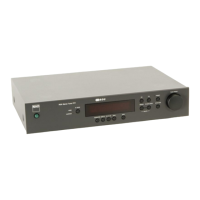
When a station is transmitting RDS information, your NAD C420
will automatically show the station initials when its Preset is used.
Although the Tuner automatically shows the frequency of any other
AM or non-RDS Preset station, it also allows you to type in the
station name to make it easier to identify which station is stored in
the Memory Preset. To enter a name:
1) Select the Preset you want to attach a name to.
2) Press and hold the Display button (No. 7) for two seconds. The
first space in the Station Data area of the Display Panel will
flash.
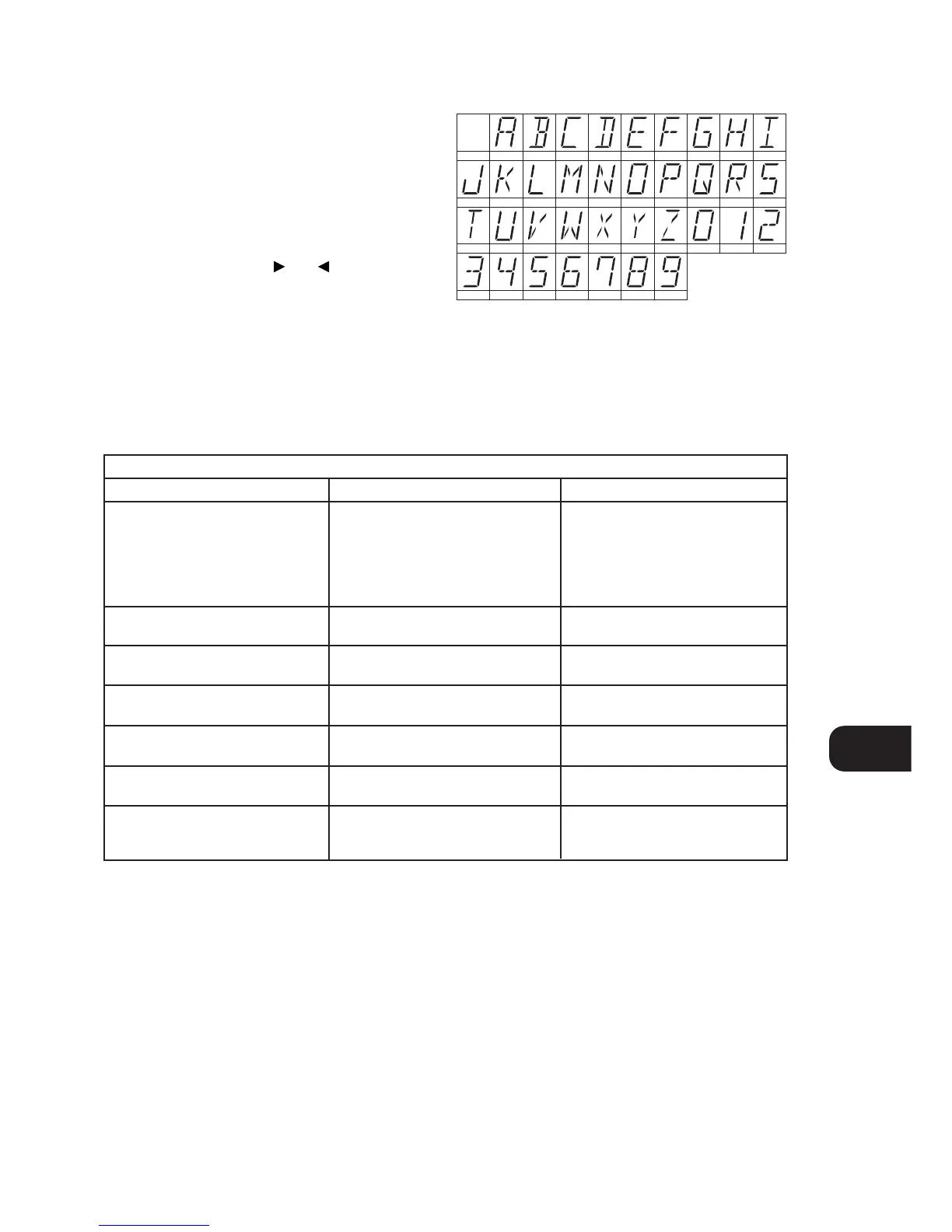
3) Press either the Tune/Preset or (No. 10) button to
scroll and select the first character (see Character list below
for reference).
4) Press Display to move one place to the right to enter the next
desired character.
5) Use the Tune/Preset buttons again to select the next character
in the name and press Memory to store it.
6) Repeat steps 3 to 5 until name is complete or all eight places
have been filled (up to 8 characters).
7) Press Memory once to finish the labelling procedure. Press
Memory again to store the completed name.
There are 37 characters available including a blank space.
NOTE: This function is only available for non-RDS stations. RDS
stations will always display their transmitted name and cannot be
over-written.


 To Next Page