GB
20
TROUBLESHOOTING
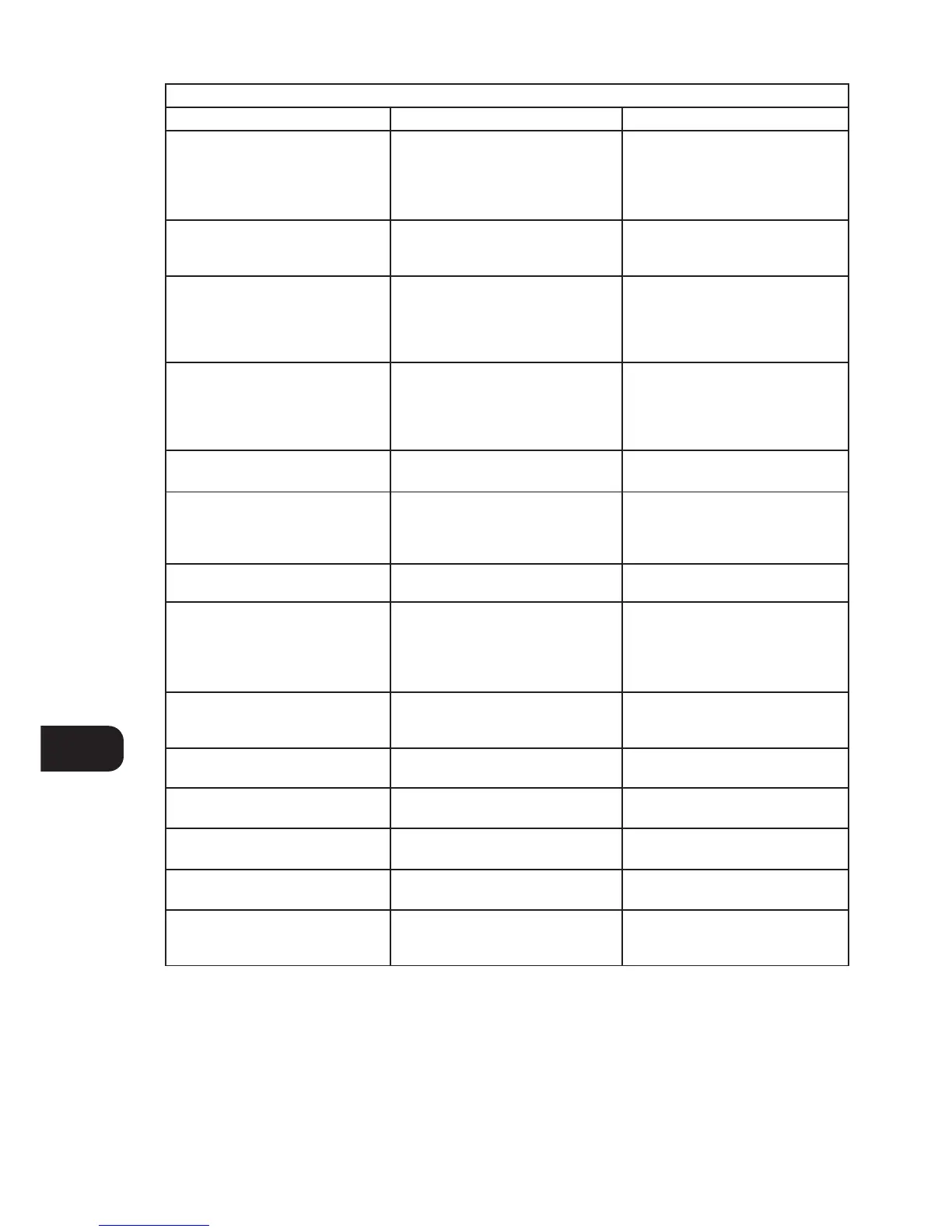
NO SOUND • Power AC lead unplugged or power not
switched on
•Tape 2 Monitor selected
• Mute on
• Speakers not switched on
• Check if AC lead is plugged in and
power switched on
• De-select Tape 2 Monitor mode
• Switch off Mute
• Switch Speakers on
Problem Cause Solution
NO SOUND ONE CHANNEL • Speaker not properly connected or
damaged
• Input lead disconnected or damaged
• Check connections and speakers
• Check leads and connections
NO SOUND ON SURROUND CHANNELS • No surround mode selected
•Mono sound source
• Speakers not properly connected
• Surround volume level too low
• Select a Surround Mode
•Test system with Stereo or Dolby
Surround material
• Check speakers and connections
• Increase surround volume level
NO SOUND ON CENTER CHANNEL • In Setup “NONE” for center speaker
selected
• By-Pass mode selected
• Speaker not connected properly
• Center volume level set too low
• Select appropriate Center mode (large
or small)
• Select Surround Mode
• Check Speaker and connection
• Increase center volume level
NO SOUND IN ‘SURROUND OFF’ WITH
DIGITAL INPUT
• Analogue connections from source not
connected to T770
• Connect analogue connections from
digital source as well
NOT POSSBILE TO SELECT “DOLBY DIGITAL”
• Source not connected using digital
in/outputs
• Digital input has not been assigned to
selected input
• Connect digital output of source to T770
• Assign the digital input used to selected
input
WEAK BASS/ DIFFUSE STEREO IMAGE • Speakers wired out of phase • Check connections to all speakers in
the system
REMOTE CONTROL HANDSET NOT
WORKING
• Batteries flat, or incorrectly inserted
• IR transmitter or receiver windows
obstructed
• IR receiver in direct sun or very bright
ambient light
• Check or replace batteries
• Remove obstruction
• Place unit away from direct sun, reduce
amount of ambient light
NO SOUND WITH TUNER • Antenna leads incorrectly connected
• Station not selected or weak signal with
FM Mute on
• Check antenna connections to receiver
• Re-tune or switch off FM Mute
NOISE, HISS ON AM AND FM • Weak signal • Check station tuning. Adjust or replace
antenna
DISTORTION ON FM • Multi-path signals or interference from
another station
• Check station tuning. Adjust or replace
antenna
WHISTLES OR BUZZES ON FM & AM • Interference from other electrical
sources - computers, games consoles
• Check station tuning. Switch off or
move the source of the electrical noise
WHISTLES OR BUZZES ON AM • Interference from fluorescent lighting
or electrical motors
• Check station tuning. Adjust or replace
AM antenna
NO RDS NAME (PS) • Station signal too weak
• Station not transmitting RDS data
• Check station tuning. Adjust or replace
antenna
• No remedy


 To Next Page