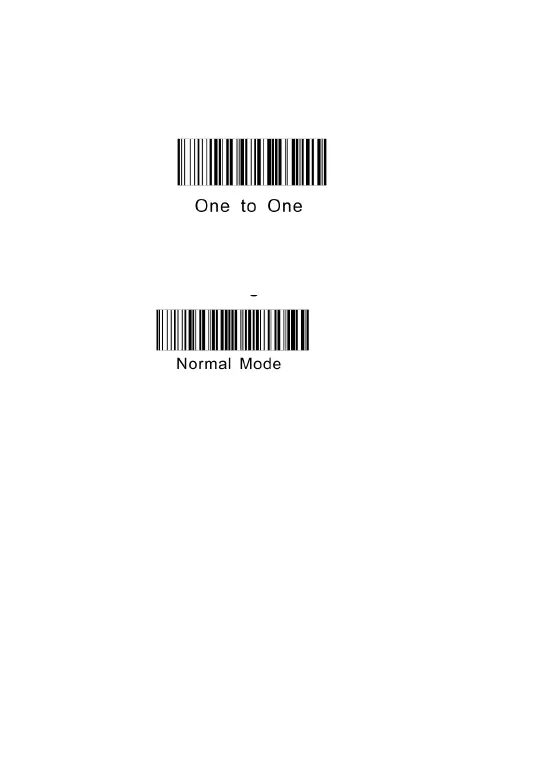
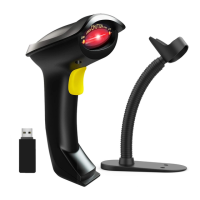
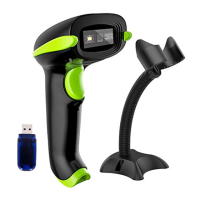
Step 2. Unplug the cradle , scan code "one to one" , the scanner will go to pairing
mode and beep continuously, then plug the cradle to USB port, if the scanner has one
"beep"sound in 3s , that means the pairing is succeed
Note: if the pairing fails, please unplug the cradle and repeat step 2.
Step 3. Scan code "normal mode" to set it to instantly upload barcode
Q1: If i scan a product barcode, will it include the name of the product in the file
The computer works like a keyboard. The scanner does not interpret what the barcode
is, it just "types" out a string of alphabet numeric characters that the barcode
it's up to the database software you are using to interpret what that string of characters
means. Once you acquire the barcodes, you have to correlate them to something more


 To Next Page