Scanning Mode Setting
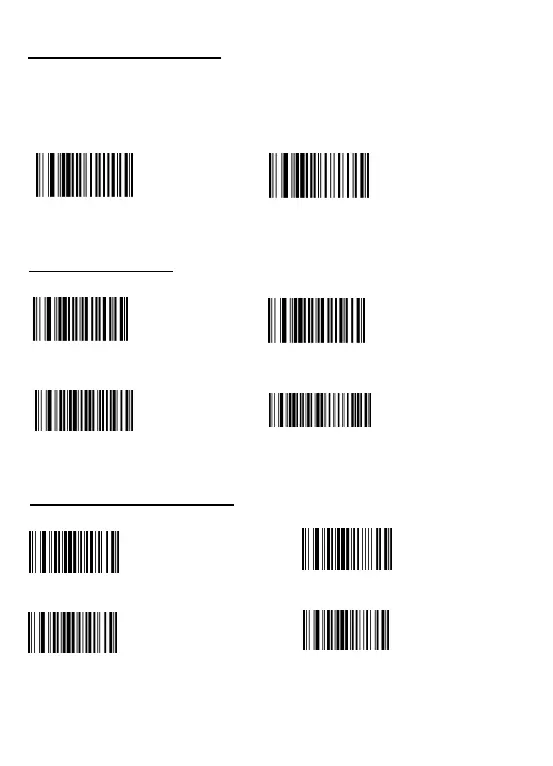
Key trigger mode: Red laser light only show up when you press the button.
Continuous scanning mode: Red laser light always on when the scanner is electrified.
The scanner reads barcode without pressing any buttons.
** Scan one of the following barcode to select scanning mode.
Keys Trigger mode (default)
Continuous Mod
Buzzer settings
:
* * Scan one of the following barcode to ON / OFF the buzzer.
Close voice
Open voice
High volunm
Low volunm
* * Scan one of the following barcode to change the voice volunm.
Case sensitivity settings
* * Scan one of the following bar code to choose letter size.
All in lower-case letters All in capital letters
Change lower-case to capital
Change capital to lower-case Turn off letter conversion


 To Next Page