12. Insert and Delete Character
The barcode scanners permit special characters to be added /
deleted at the beginning (prefix) or end (suffix) of the scanned
barcode. During setup, please do not scan other unrelated
barcodes, otherwise the scanner will exit the character addition
settings.
12.1 Insert Character Before Barcode
Step1
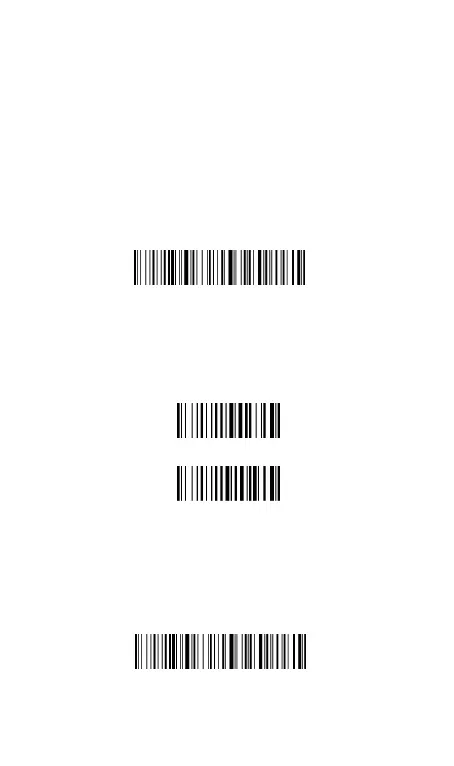
:Scan the code below to enter setting mode.
Step2.
Scan the character code. (character tablet is on page 28)
E.g
. To add prefix A,b, scan the character code one by one.
After that,if you scan your goal barcode,the Ab will be add at the
begging of the scanned barcode.
Note 1:
32 character can be added at most.
Note 2:
To clear previously added prefix characters, scan the code
below.
Insert character before barcode



 To Next Page