11
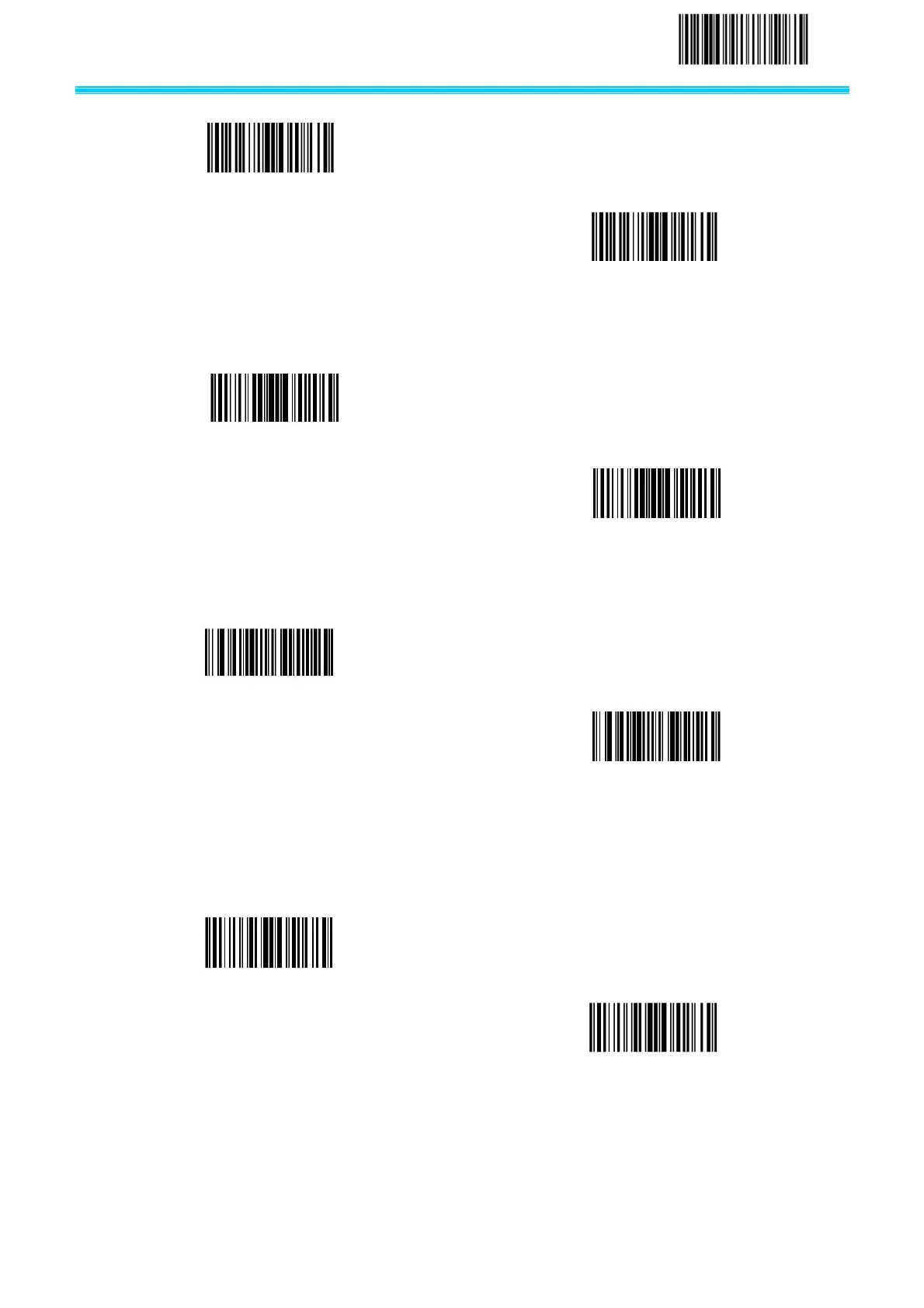
Reset to default configuration
2.2.8 Turn on/Turn off configuration code
2.2.9 Enable\Disable sending setting code
2.2.10 Power mode
In power saving mode scanner module time-out after a period of time without working. In continuous
power mode scanner module keep awake.
2.2.11 Sensitivity setting
To set sensitivity when the barcode scanner is in auto mode.
Query this parameter you can get a number feedback represent the sensitivity level. Special level:0,
Disable Configuration Code
Enable Configuration Code
Enable sending setting code
Disable sending setting code
Power saving mode(default)



 To Next Page