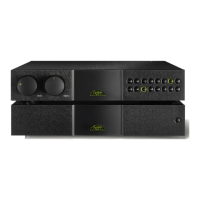
NAC 122x
Note: The unity gain feature must be used with care.
It effectively by-passes the NAC 122x volume control
leaving any signal connected to a unity gain input to be
passed to the power amplifier and speakers at full volume.
Additionally, if the AV input is selected while unity gain is
enabled the handset volume function will be disabled and
the preamplifier’s volume indicator will turn off. This will be
flagged by the indicator flashing if the handset volume
function is operated.
3. 5 Hand set Vo lume C ontrol
The remote handset volume function provides some
alternative control characteristics. A quick press and
release of the key will adjust by a preset “nudge”. A quick
press and release of the key followed by press and hold will
cause continual slow adjustment. Simple press and hold will
cause continual fast adjustment.
3. 6 Mute
The mute button silences and restores the output signal.
3. 7 Reco rd Mon itor
The mon button operates the record monitor circuit
enabling the recorded output of a suitably equipped
recording device to be heard.
3. 8 Reco rd Mut e
In order to minimise power consumption and improve
sound quality the NAC 122x record output circuits may be
switched off.
To engage or disengage the record mute first operate the
record monitor function (mon) as described in Paragraph
3.7 above then press the front panel mute button. The
mute button indicator will be illuminated when record
mute is engaged and extinguished when record mute is
disengaged.
Record mute can be engaged and disengaged from the
remote handset by operating the record monitor function
followed by the mute function.
3. 9 Disp lay
The NAC 122x front panel button display can be switched
off by pressing the remote handset (in preamplifier mode)
disp function. Any subsequent handset or front panel
operation will temporarily restore the display. A second
operation of the disp function will permanently restore the
display.
3. 10 Swi tch-on
After switch-on, via the power supply or power amplifier
power button, the NAC 122x will remain muted for 30
seconds while control systems and circuits stabilise.
3. 11 Rem ote co ntrol
The NARCOM remote handset supplied with the NAC 122x
duplicates all configuration and control functions.
The NAC 122x also provides remote control input that
enables it to be integrated with remote handset (RC5)
signal repeaters. A remote control output enables the
NAC 122x to be used as an IR receiver and to generate a
modulated RC5 signal.
3. 12 Def aults
To restore all programmable settings to the factory defaults
press and hold the remote handset disp key while the
preamplifier is in program mode. The preamplifier will exit
from program mode following this operation.
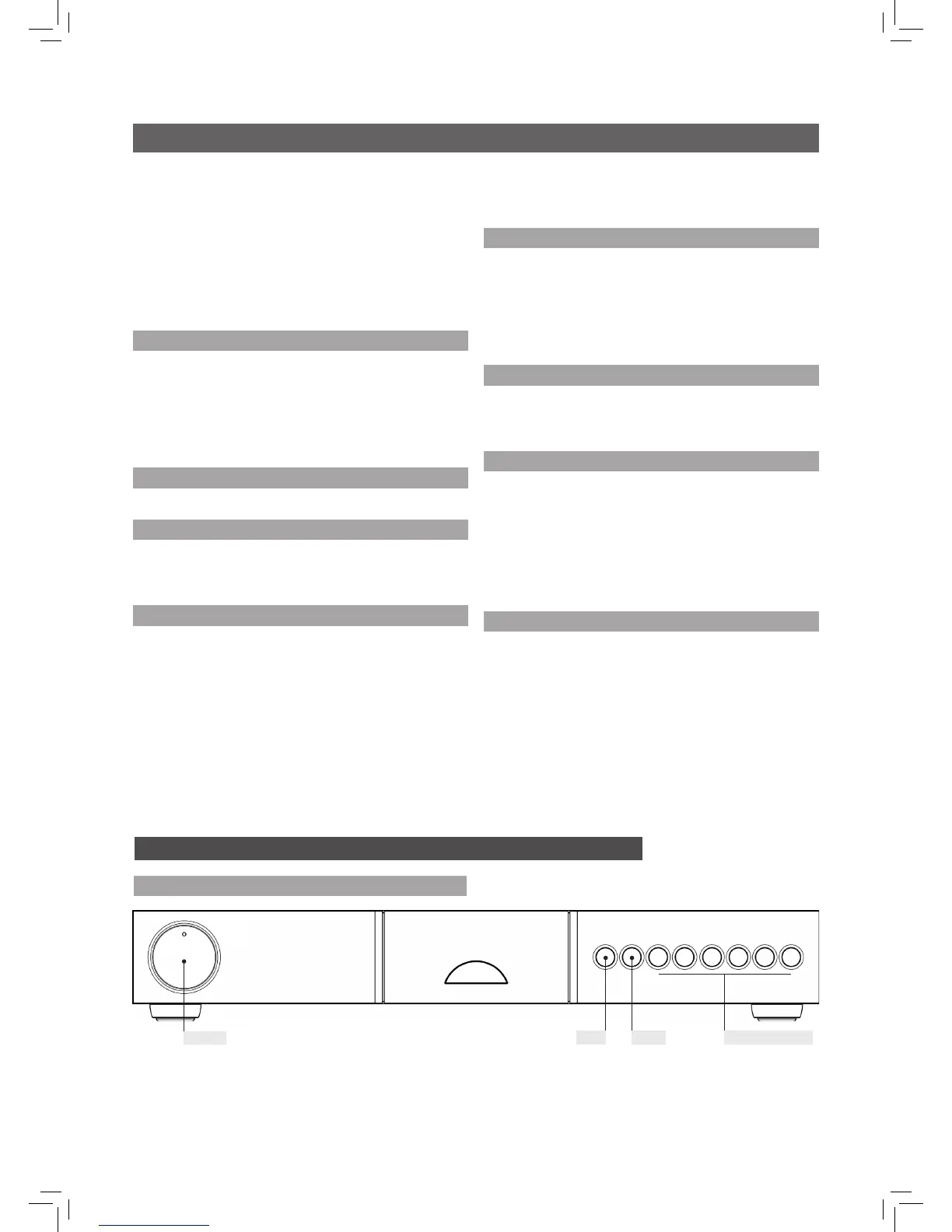
4. 1 NAC 122x F ront
volume
mon mute source selection
4 NAC 122x Control and Connection


 To Next Page