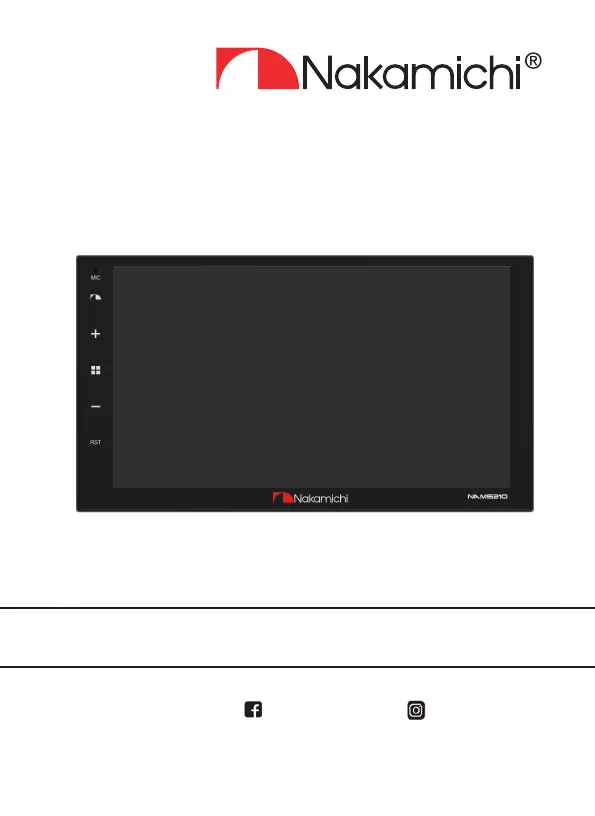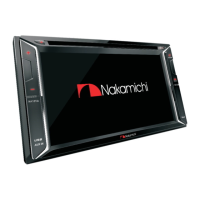
What to do if Nakamichi Touch Panel has silent output?
- LLori LewisJul 28, 2025
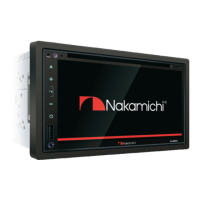
If your Nakamichi Touch Panel has silent output, first, increase the volume. If that doesn't work, check the output line connection to ensure it is correctly connected.
What to do if Nakamichi Touch Panel has silent output?
If your Nakamichi Touch Panel has silent output, first, increase the volume. If that doesn't work, check the output line connection to ensure it is correctly connected.
What to do if Nakamichi NAM5210 radio is ineffective?
If the radio on your Nakamichi Touch Panel is ineffective, it might be due to a weak radio signal. Try moving the car to another location. Also, check the radio antenna connection and ensure it's properly connected.
How to fix Nakamichi NAM5210 when unable to boot?
If your Nakamichi Touch Panel is unable to boot, it could be due to a burned-out power supply fuse; consider replacing it with the same type of fuse. If that's not the issue, try rebooting by pressing the reset hole on the panel with a pointed object.
What to do if Nakamichi NAM5210 Touch Panel has no image?
If your Nakamichi Touch Panel shows no image, reboot it by pressing the reset hole on the panel with the point of a pointed object. This issue might be due to other factors causing the microprocessors to work abnormally.
Important safety precautions for installation and operation, especially for amplifier, DSP, or active woofer components.
Guidelines for safe operation of the unit, including driving safety and unit care.
Instructions for tuning into radio stations, using band selection, and RDS features.
Steps for pairing and using Bluetooth for calls and music playback.
Configuration options for network, apps, storage, security, accounts, accessibility, Google, and system.
Customization of steering wheel controls, reverse camera, display, and audio settings.
Guide to connecting mobile devices via USB or Wi-Fi for enhanced functionality.
Solutions for common issues like unit not booting, radio ineffectiveness, or no image.
Important safety precautions for installation and operation, especially for amplifier, DSP, or active woofer components.
Guidelines for safe operation of the unit, including driving safety and unit care.
Instructions for tuning into radio stations, using band selection, and RDS features.
Steps for pairing and using Bluetooth for calls and music playback.
Configuration options for network, apps, storage, security, accounts, accessibility, Google, and system.
Customization of steering wheel controls, reverse camera, display, and audio settings.
Guide to connecting mobile devices via USB or Wi-Fi for enhanced functionality.
Solutions for common issues like unit not booting, radio ineffectiveness, or no image.
| Brand | Nakamichi |
|---|---|
| Model | NAM5210 |
| Category | Touch Panel |
| Language | English |