Page 42
6-2 Test Mode
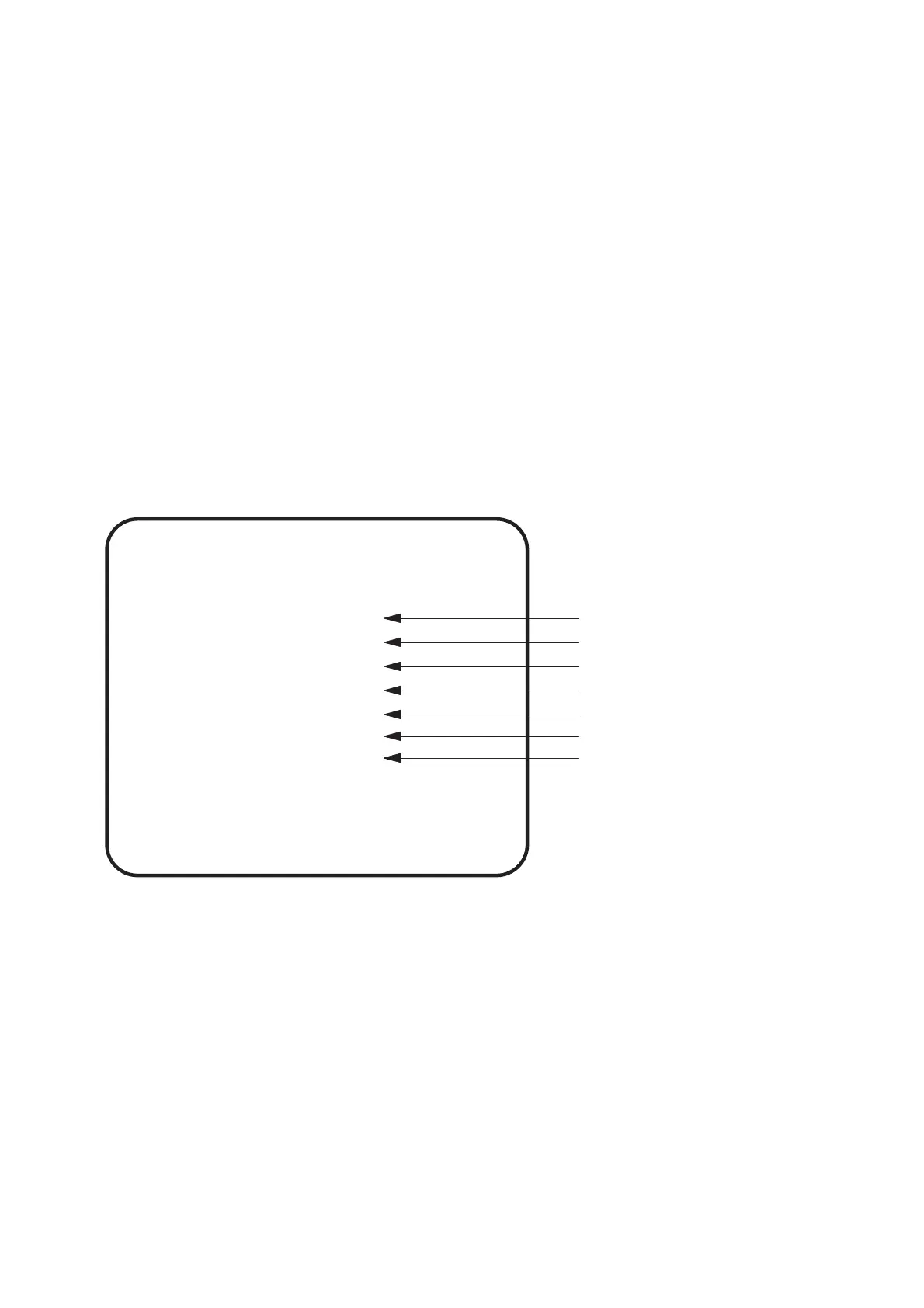
1. Open the coin door and slide the test switch ON. The Menu Screen will be
displayed on the monitor.
2. Use the Select Up / Down switch to step through the tests.
3. Activate the required test by pressing the Enter button. Select EXIT in each test
to return to the Menu Screen.
4. After testing is completed, slide the test switch to the OFF position to return to
normal game mode.
The Test Switch must always be in the OFF position for normal game mode.
MENU
Used to set the price of play
Used to set the game options
Used for testing switches etc.
Used to adjust the monitor
Used to set sound levels
Used to view bookkeeping
Used for factory testing the PCB
SELECT SW : CHOOSE ENTER SW : ENTER
COIN OPTIONS
GAME OPTIONS
I/O TEST
MONITOR TEST
SOUND TEST
ADS DATA
OTHERS











 To Next Page