Page 44
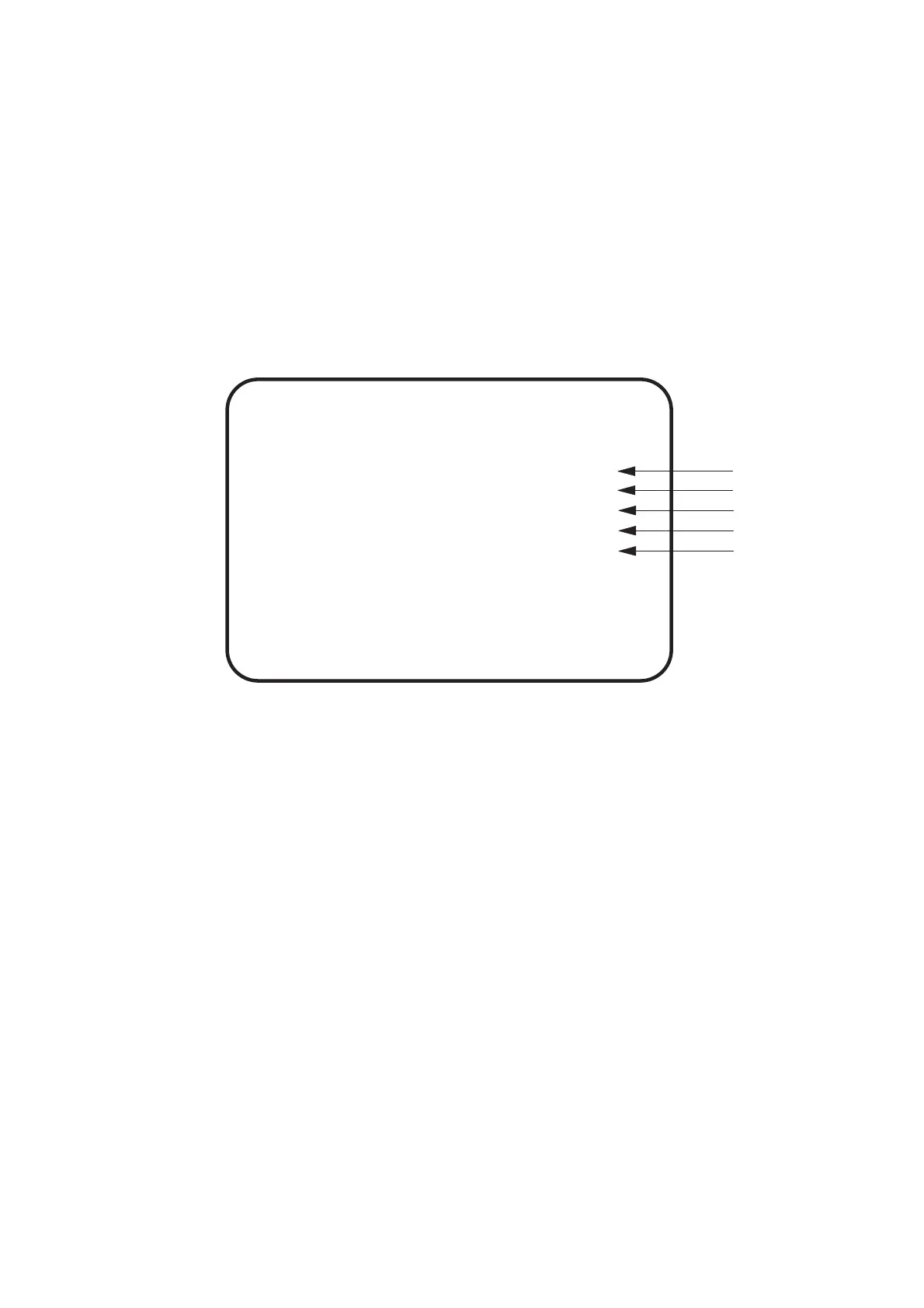
SELECT SW:CHOOSE ENTER SW:ENTER
(a)
(b)
GAME OPTIONS
PLAYER'S LIFE 3
MAX LIFE 5
DIFFICULTY E(NORMAL-NORMAL)
HIT COLOR
HI-SCORE INIT NO
YES
EXIT
[DEFAULT IN GREEN]
(c)
(d)
(e)
6-2-2 Game Options
1. Select GAME OPTIONS on the menu screen to set the game settings.
The following screen is displayed.
2. Using the Select Up/Down switch choose the required item then press the
Enter button.
3. Use the Select Up/Down switch to change the setting.
4. Select EXIT and press the Enter button to return to the menu screen.
(a) Number of lives at start of the game settable 1~9
(b) Maximum lives including bonus lives settable 1~9
(c) Difficulty settings A Easy - Easy
B Easy - Normal
C Easy - Hard
D Normal - Easy
E Normal - Normal
F Normal- Hard
G Difficult - Easy
H Difficult - Normal
I Difficult - Hard
(d) Colour displayed on screen when target hit RED / GREEN
(e) Sets whether Hi-Score resets at power up YES / NO









 To Next Page