Page 51
6-2-4 Monitor Test
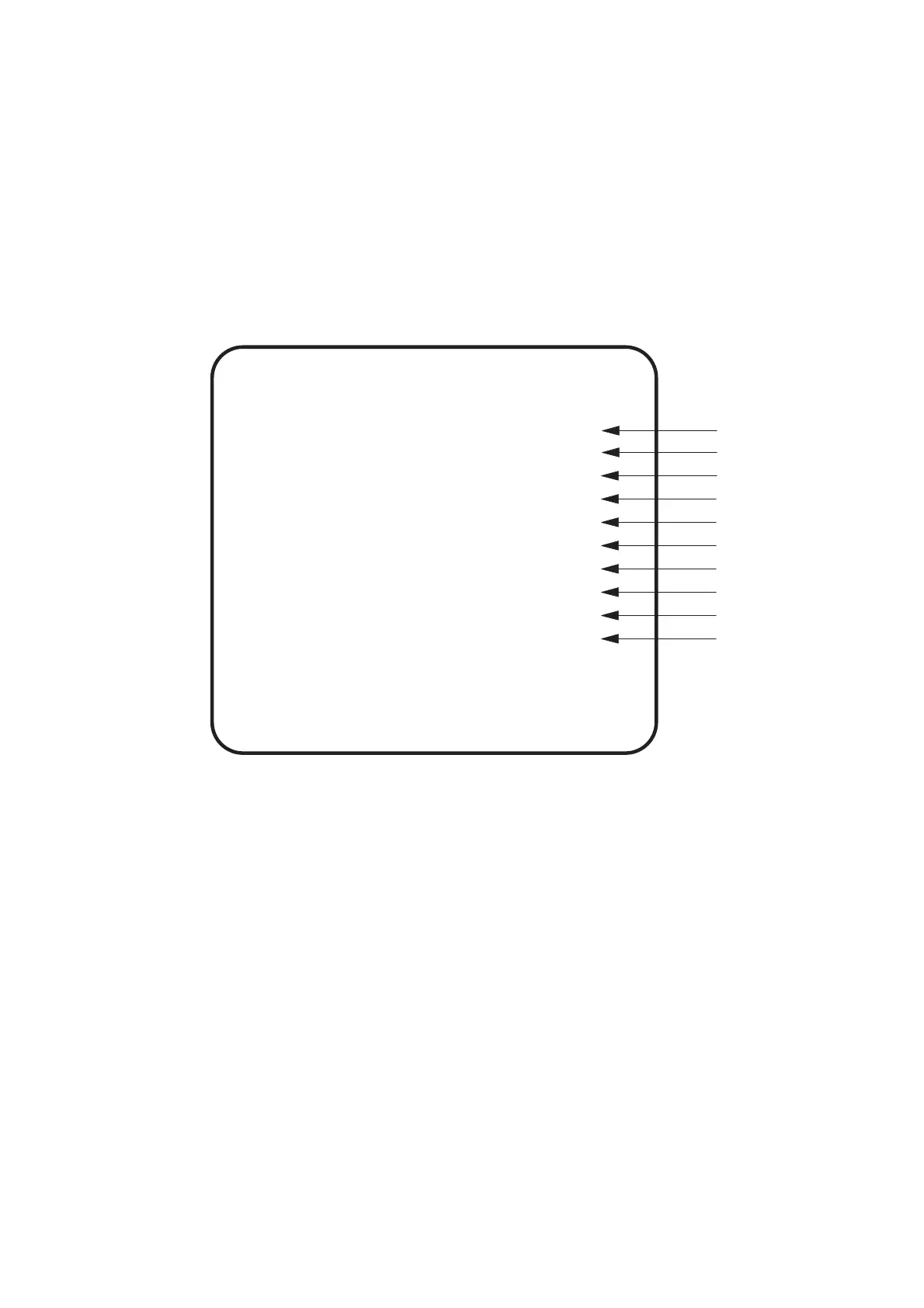
1. Select MONITOR TEST on the Menu screen to check and adjust the
monitor. The following screen is displayed.
2. Use the Select Up/Down switch to choose the required item then press the
Enter button.
3. Press the Enter button to exit each test.
4. Select EXIT and press the Enter button to return to the menu screen.
MONITOR TEST
GRADATION PATTERN
CROSSHATCH PATTERN (CRT)
CROSSHATCH PATTERN (PROJECTOR)
WHITE WINDOW (H)
WHITE WINDOW (M)
WHITE WINDOW (L)
INTERLACE PATTERN
VIEW ANGLE ADJUST (PROJECTOR)
FULL WHITE
EXIT
(a)
(b)
(c)
(d)
(e)
(f)
(g)
(h)
(i)
(j)
VIEW ANGLE ADJUST (CRT)
SELECT SW:CHOOSE ENTER SW:ENTER
(a) Displays a colour gradation pattern
(b) Displays a crosshatch pattern for a CRT monitor
(c) Displays a crosshatch pattern for a projector monitor (Not used on this game)
(d) Displays a bright density white square
(e) Displays a medium density white square
(f) Displays a dark density white square
(g) Displays an interlace patterm
(h) Displays a height/width adjustment pattern for a CRT monitor
(i) Displays a height/width adjustment pattern for a projector monitor (not used on this game)
(j) Displays a full white screen








 To Next Page