Page 45
6-2-3 I/O Test
1. Select I/O TEST on the menu screen to initialize the guns and to test
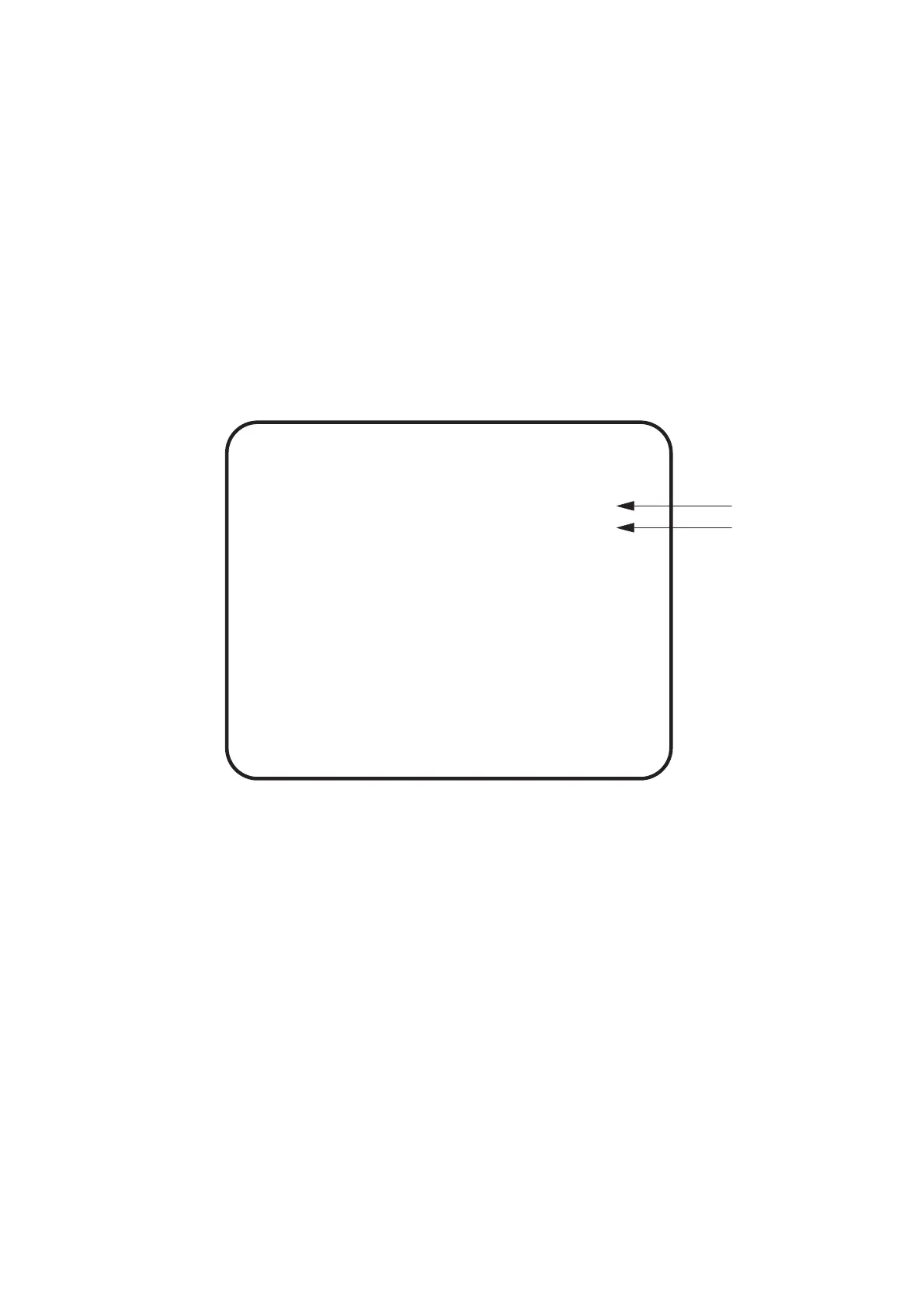
switches and sensor. The following screen is displayed.
2. Using the Select Up/Down switch choose the required item then press the
Enter button.
3. Use the Select Up/Down switch to change the setting.
4. Select EXIT and press the Enter button to return to the menu screen.
GUN INITIALIZE
SWITCH TEST
EXIT
I/O TEST
(a)
(b)
SELECT SW:CHOOSE ENTER SW:ENTER
(a) Enters Gun Initialize mode
(b) Enters Switch Test screen












 To Next Page