Page 57
6-2-7 Others
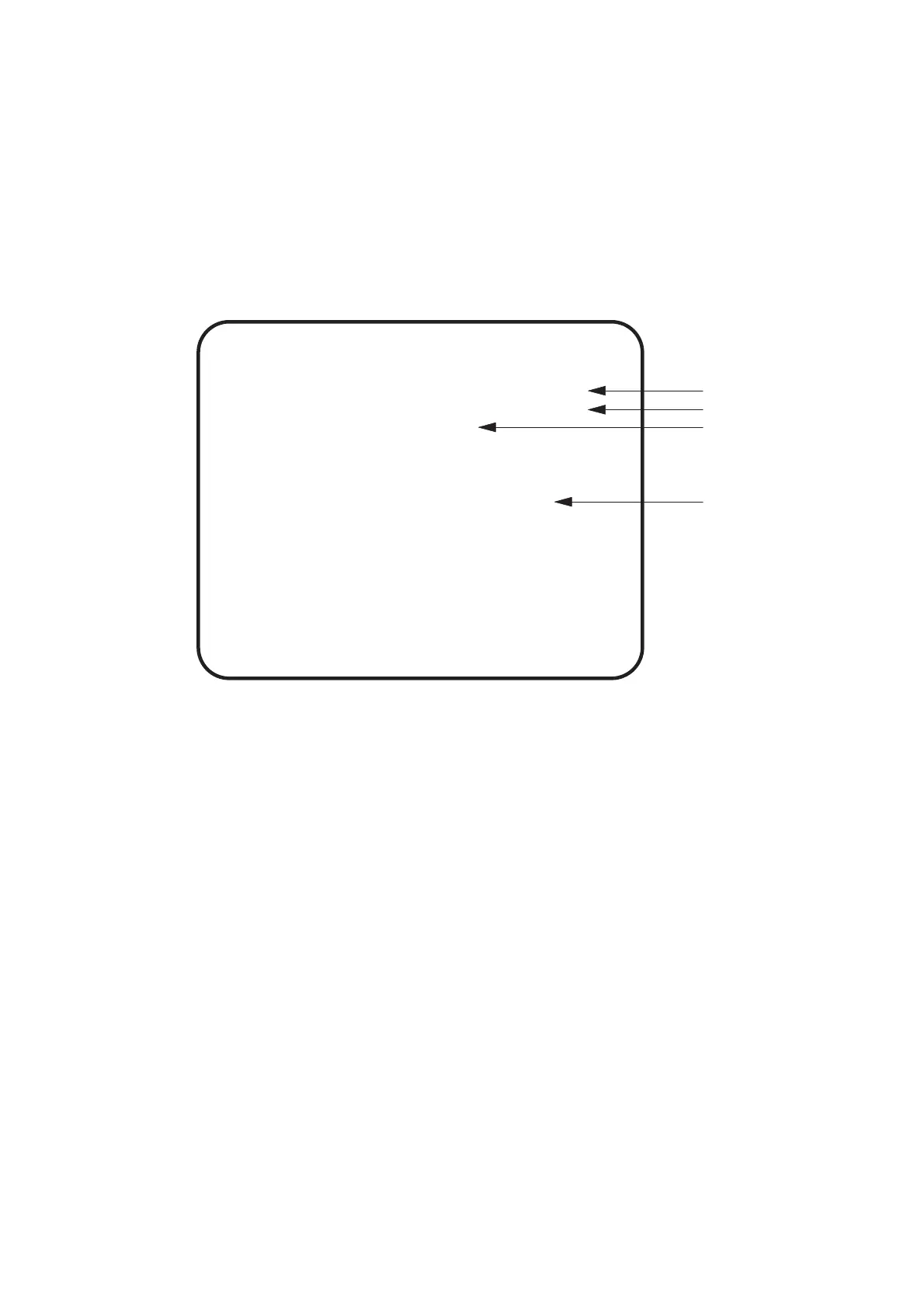
1. Select OTHERS on the Menu screen to set all adjustmements to factory
defaults. The following screen is displayed.
2. Use the Select Up/Down switch to select either NO (no reset) or YES (reset
data to factory settings) then press the Enter button.
3. Select EXIT and press the Enter button to return to the menu screen.
OTHERS
ROM1 Ver .00/12/09 SAT 02:27:14
CLOCK .00/12/22 FRI 16:05:54
S/N 123456-123456
BACKUP MEMORY INITIALIZE NO
YES
EXIT
SELECT SW :CHOOSE ENTERSW :ENTER
(a)
(b)
(c)
(d)
(a) Displays the game software version.
(b) Displays the date and time
(c) Displays the game PCB serial number
(d) Resets all settings to factory defaults.













 To Next Page