3
Detailed Description
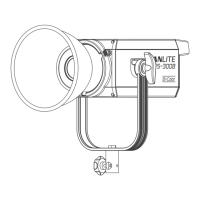
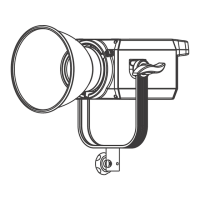
1. OLED Display: Display functions and lighting parameters.
2. Left Knob: Use to adjust dimming and set different parameters.
3. MODE Button: Use to switch between DAYLIGHT, EFFECT and MENU.
4. Power Socket: Connect DC power to the fixture.
5. USB Port: Use to update firmwares.
6. Power Switch: Switch on/off the fixture.
7. DMX In/Out: Use to plug in a DMX adapter cable for DMX signal in/out.
(Note: DMX adapter cable is sold separately).
8. Right Knob: Use to select various functions.
9. Lock Catch: Use to mount and dismount the reflector and other accessories.
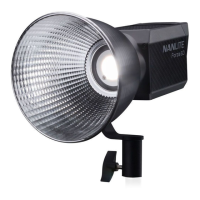
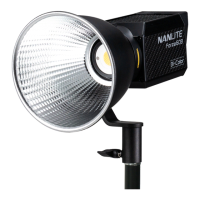
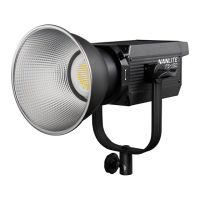
10. Reflector: Converge rays of light to improve central illumination.
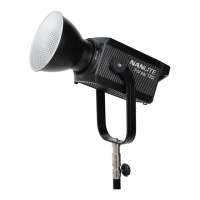
11. Angle Fixing knob: Tilt the fixture to different angles.
12. L Bracket: Connect the fixture on light stand.
13. Bracket Fixing knob: Fix the fixture on the yoke and pan it to different angles.


 To Next Page