4
Detailed Description
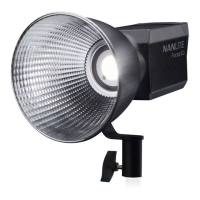
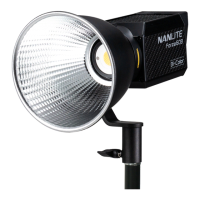
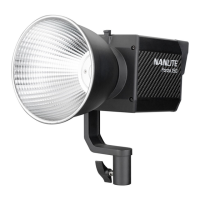
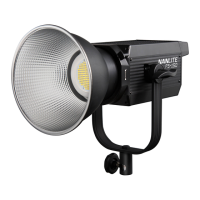
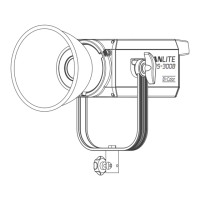
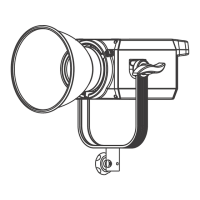
1. Fixture body handle: For lifting the fixture body and adjusting the direction of the illumination.
2. Fixture body input socket: For connecting the fixture body with control unit.
3. Umbrella hole: For installing/removing an umbrella.
4. Reflector: For concentrating light to improve the central illumination.
5. Adjustable Handle: Tighten or release the tilt movement of the fixture on the yoke.
6. Yoke: For connecting the fixture to the light stand and adjusting the direction of illumination.
7. Lock catch: To lock or release the reflector or other accessories.
8. Control unit output socket: For connecting the DC cable for connecting the fixture body and control unit.
9. DMX OUT: DMX signal output interface.
10. AC power input socket: For connecting the AC power cable to supply power to the control unit.
11. Power switch: To turn on/off the fixture.
12. DMX IN: DMX signal input interface.
13. USB port: For updating the firmware
14. Control panel: For displaying various function operations and data.
15. Battery holder: For mounting the 14.4-26V/12A V-mount battery.
16. Control unit handle: For lifting the control unit.
17. Quick release plate: For mounting the quick release clamp.


 To Next Page