6
CH:
512
100%
FX: OFF
CH:
512
100%
FX: OFF
3. EFFECT Mode setting:
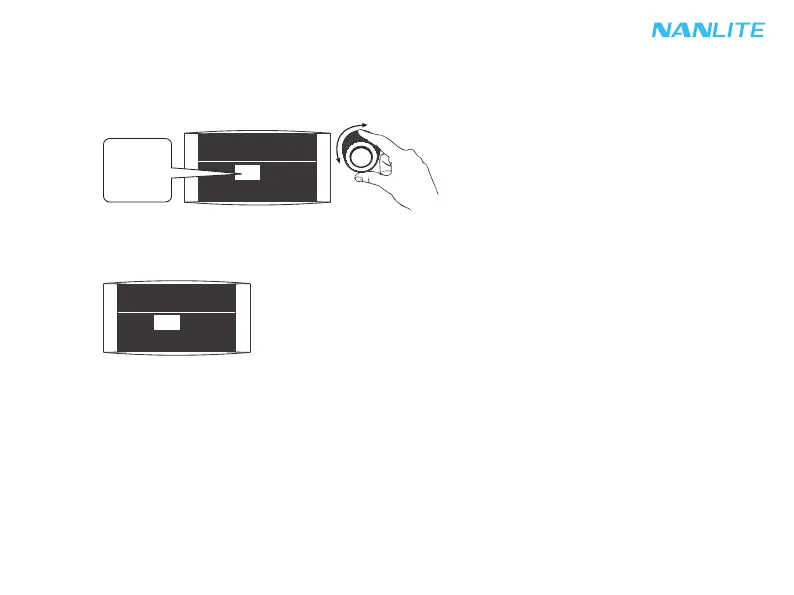
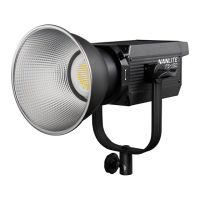
Rotate "right knob" to select the effects according to demands. FS-150/FS-200/FS-300 has built-in
special effects: OFF, INT LOOP, FLASH, PULSE, STORM, TV, PAPARAZZI, CANDLE/FIRE, BAD BULB,
FIREWORK, EXPLOSION, WELDING.
OFF
.
.
.
WELDING
①When the effect is OFF, it means the effect mode is in the "OFF" position.
Rotate "right knob" to select the effects
according to demands.


 To Next Page