Narda 5G LNB Antenna 45
EN
6.2 Switching the attenuator on/off
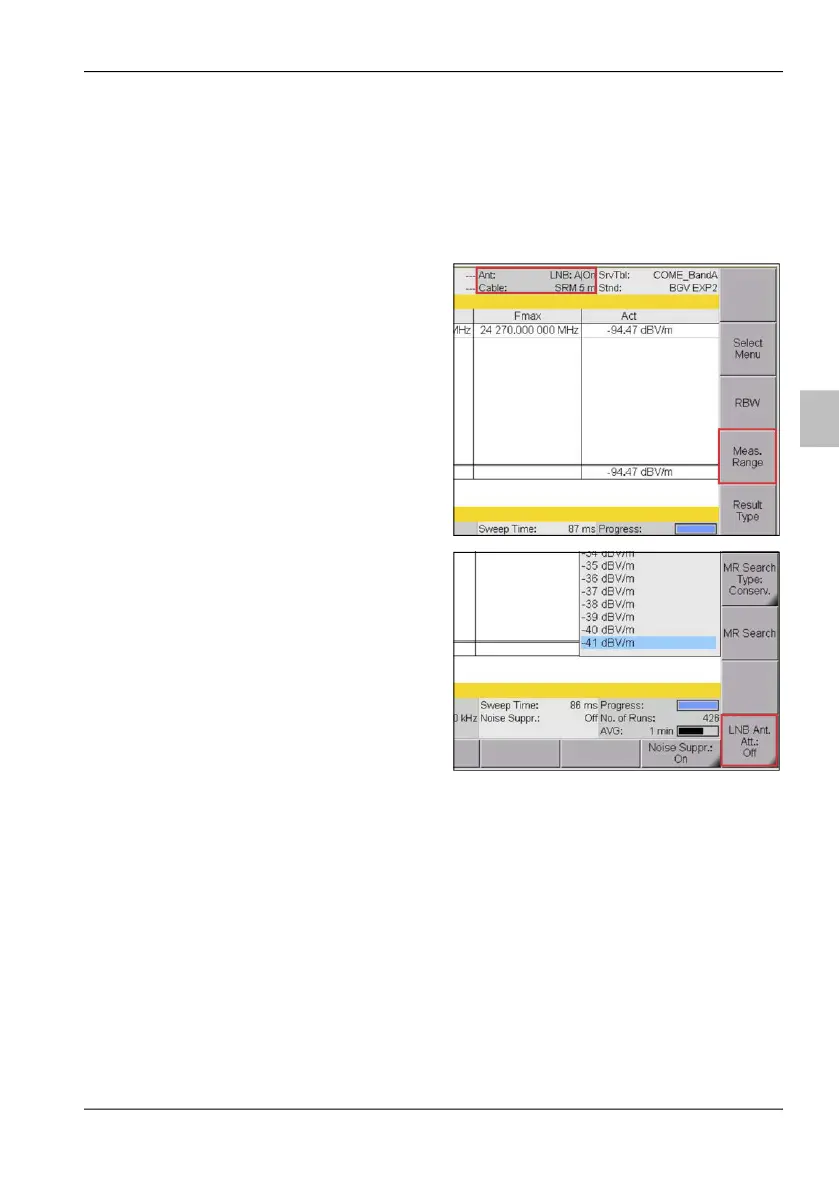
Switching the attenuation on/off is provided in the Meas Range submenu in
each mode.
An LNB antenna is connected and the SRM-3006 is in measurement
view of any mode.
The current attenuator
status is displayed in status
bar on top of the window.
1. Press the Meas Range
softkey to open
measurement range
submenu.
2. Press the LNB Ant. Att.:
toggle softkey.



 To Next Page