24
6.4 Menu view
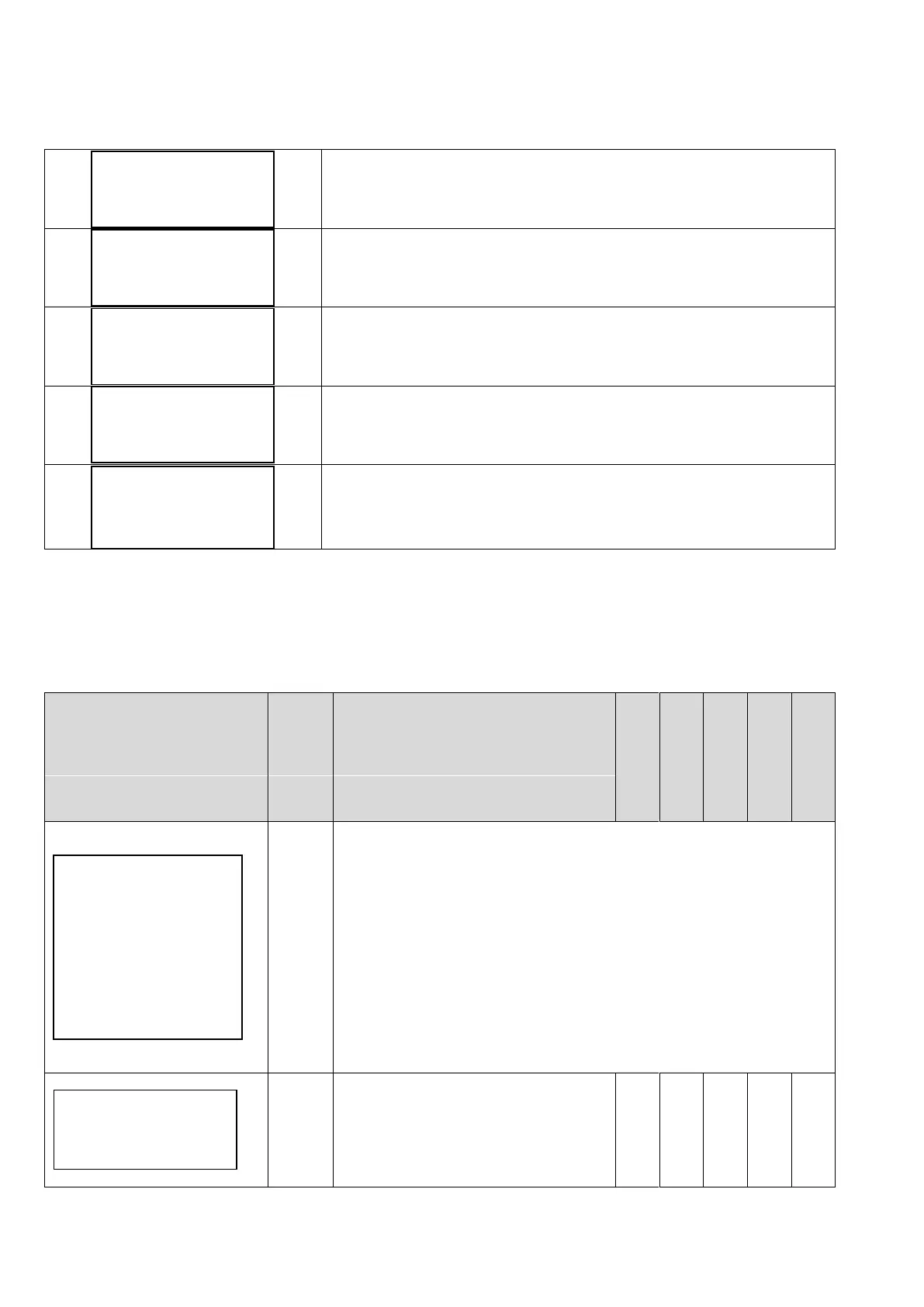
Pressing ENTER when you are in [MENU’ / ENT to access] in initial display, will display the following MENUs:
Installer password required to enter level 1 (default 001)
Advanced password required to enter level 2 (default 002)
Installer password required to enter level 1 (default 001)
Installer password required to enter level 1 (default 001)
Advanced password required to enter level 2 (default 002)
To exit the Menu level and return to initial display, press STOP button.
6.5 Control parameters
Mode of control:
Constant value: the inverter changes the pump speed to keep the
set value constant regardless water demand.
Fix speed: the inverter feeds the pump at set frequency, so the
pump speed is kept constant.
Const. value 2 set: the two values are selected by opening or closing
the digital input IN2.
Fix speed 2 val: the two values are selected by opening or closing
the digital input IN2.
External speed: control motor frequency by using analogical input
AN4.
Maximum value allowed in the system. If
the readen value goes over this value, an
alarm occurs and the pump is stopped.
Pump is automatically restarted if the
readen value goes below the maximum
value for a period of at least 5 seconds.
Control mode
Constant value
Fix speed
Const.value 2set
Fix speed 2 val.
External speed
Max alarm value
XXX.X [bar]



 To Next Page