How do I plug both a PS/2 mouse and PS/2 keyboard into
the controller?
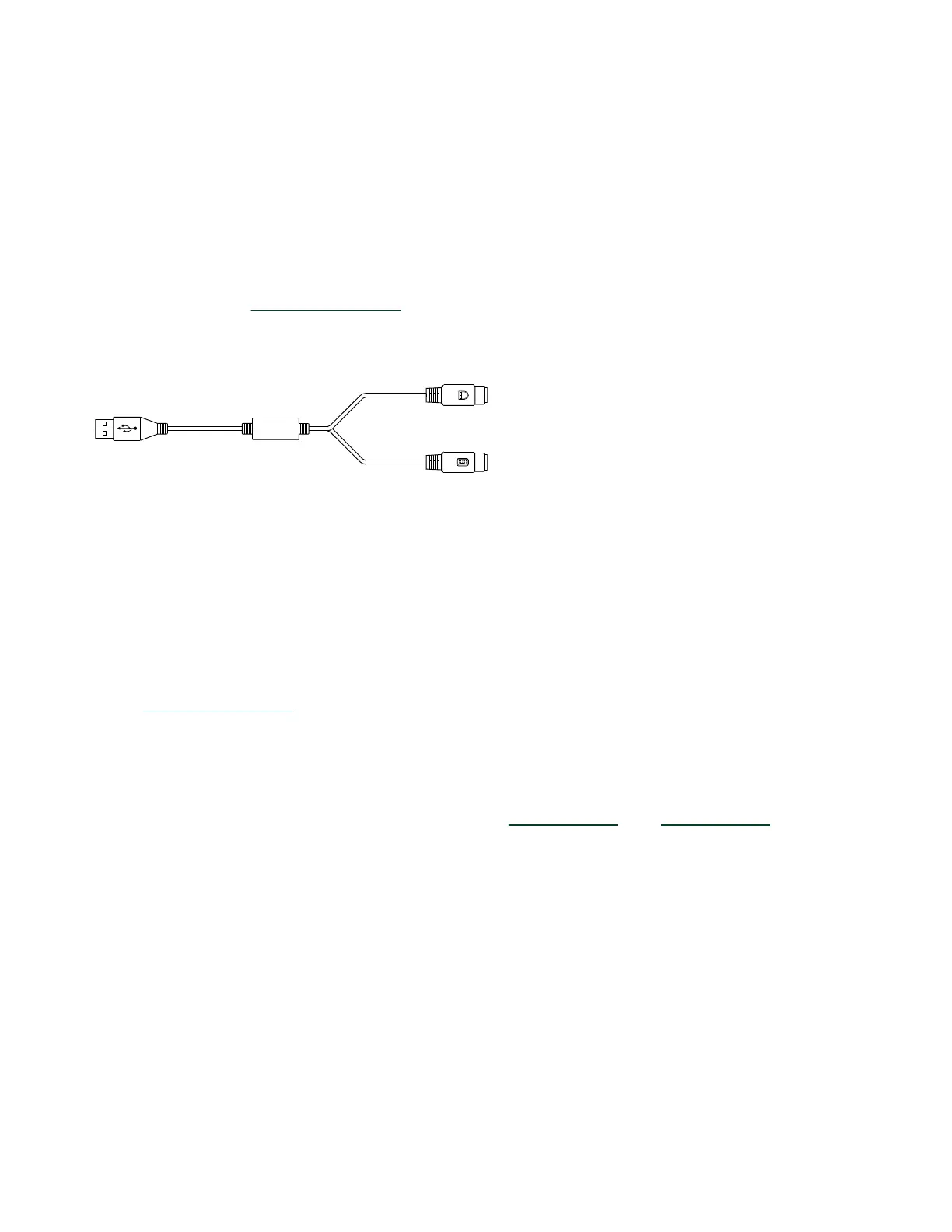
The PXIe-8822/42/62 has no PS/2 connector, and you need to use a USB Y-splitter
cable as shown below, or a similar device, to connect both a PS/2 mouse and PS/2
keyboard. NI part number 778713-02 is such a cable and is available through the
online catalog at
ni.com/products.
Figure 7. Y-Splitter Cable
How do I connect a VGA monitor to the PXIe-8822/42/62?
You can use a DisplayPort-to-VGA adapter available from NI to connect a VGA
monitor to a DisplayPort connector.
How do I install or reinstall the video driver?
You can download the latest Intel Graphics driver for 11th Gen Intel Core Processor
from
the Intel website.
How do I install or reinstall the Ethernet driver?
You can download the latest i225-IT driver for
Windows 10 and Windows 11 from the
Intel website.
How do I install software from a CD?
The compact size of the PXIe-8822/42/62 does not allow for an integrated USB CD/
DVD-ROM drive. You have the following options:
•
USB CD/DVD-ROM—You can install from a USB CD/DVD-ROM using a bootable
installation CD.
© National Instruments
27
PXIe-8822/42/62 Getting Started



 To Next Page
 Loading...