Step 5: Select Screening Parameters
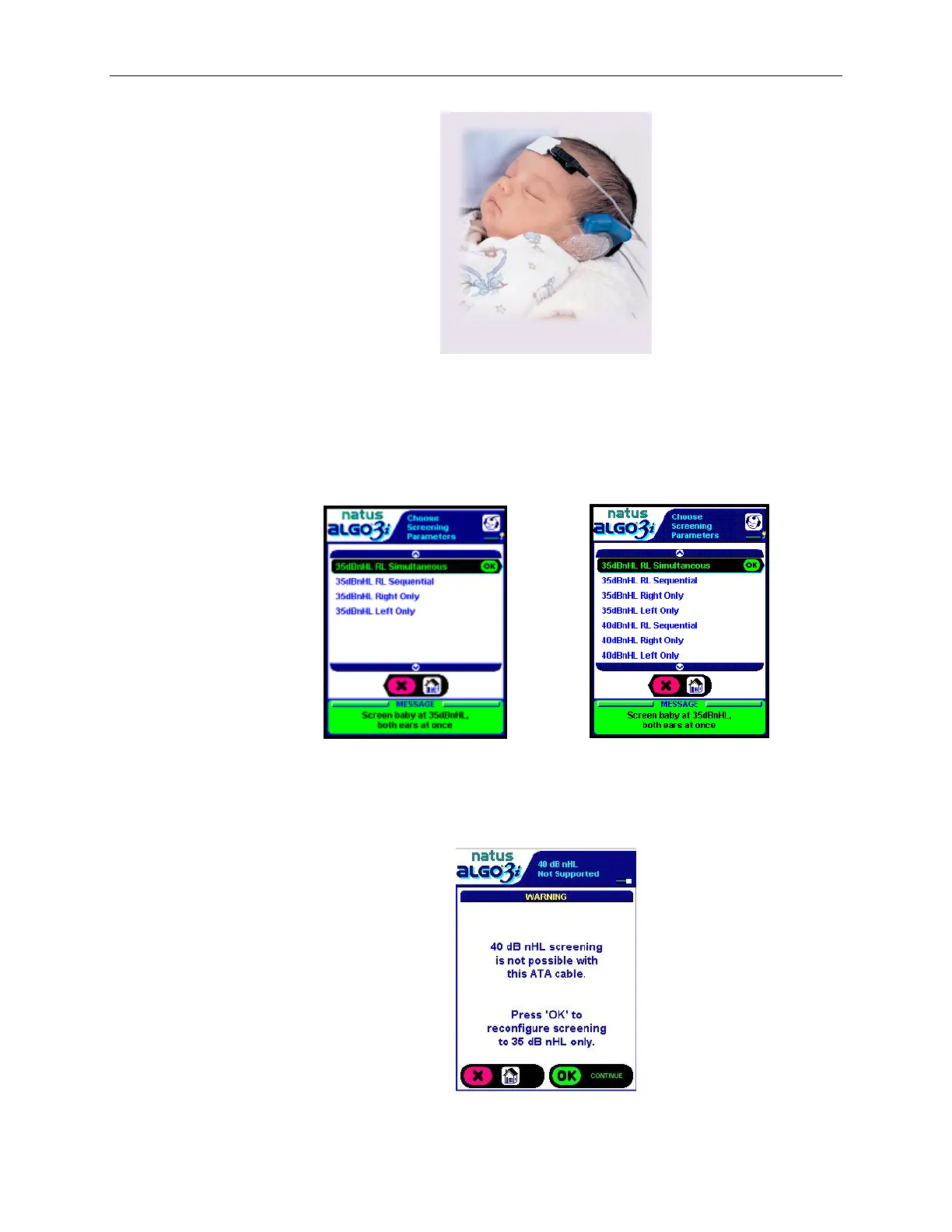
The ALGO 3i screener allows 35dBnHL simultaneous, sequential, or single-ear screening or
40dBnHL sequential or single-ear screening (if the 40 dBnHL option is enabled).
Select the desired parameter by scrolling through the available choices, and Click “OK” to
proceed.
35 dBnHL screening only (default setting) 40 dBnHL screening option enabled
The ALGO 3i does not support 40 dBnHL screenings using an N2 ATA cable (ATA Cables with serial
numbers starting with N2, J3 or J4). If the screener is configured to allow 40 dBnHL screenings AND an
N2 ATA cable is attached, the following screen will be displayed.


 To Next Page
 Loading...