7. You are now ready to print, export, or delete these selected records.
To print screening records
The ALGO 3i screener offers users the ability to print a screening record directly after
completion of the test, or to print any set of stored screening records. An ALGO 3i Printer
Option is required in order to print screening records. Please refer to Natus Technical Notice
(ALGO 3i Printing Option.doc) located on the CD delivered with your ALGO 3i screener, and
contact your local service representative for more information. The ALGO 3i screener prints via
its Infrared (IR) port, located on the left side of the device.
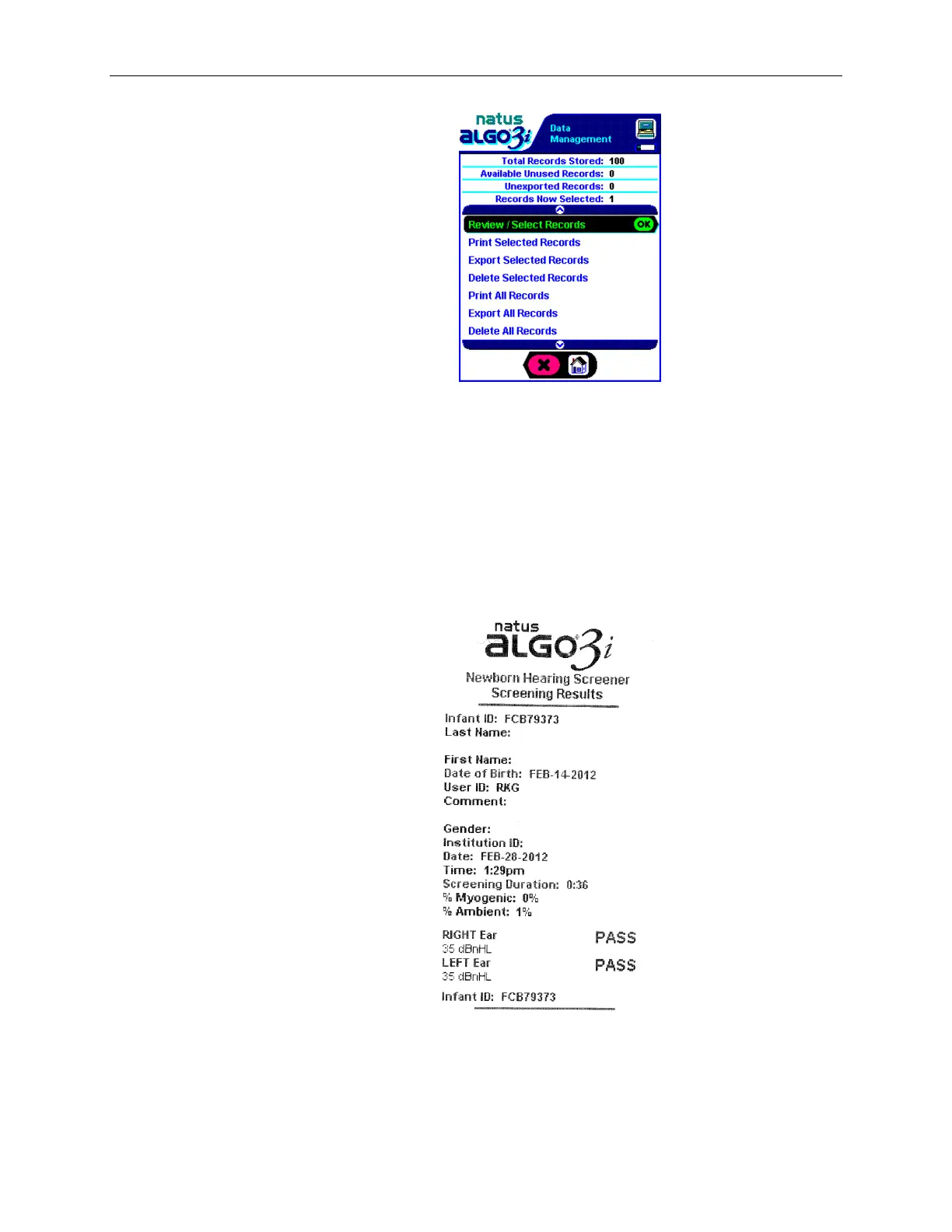
Example of a screening record label:
To print a screening record directly after screening:
See Chapter V. ALGO 3i Screening Procedure: Printing (or Exporting) a Record immediately
after Screening.


 To Next Page
 Loading...