NV10/NV7.5 Operations and Maintenance Manual Operating the transmitter
Page 2-14 Issue 3.4 2016-08-03
The displays between the top and bottom menus, contains user selected pages. These pages
provide access to a variety of AUI functions such as transmitter status and hardware settings.
The following paragraphs describe how to use these pages.
•
Tool Menu: Display up to four panels on the screen at one time. To reveal the Tool
Menu
options, press X in the upper right corner of one panel to close an existing panel,
and then press in the blank space to display a menu of panels (see Viewing tool menu
panels on page 2-26).
• Meters: Displays the real-time meters that provide a system review of the transmit-
ter (see Viewing real-time meters on page 2-45).
Navigating from page to page
You can easily navigate through the AUI from its Home page (see Figure 2.6 on page 2-15) or
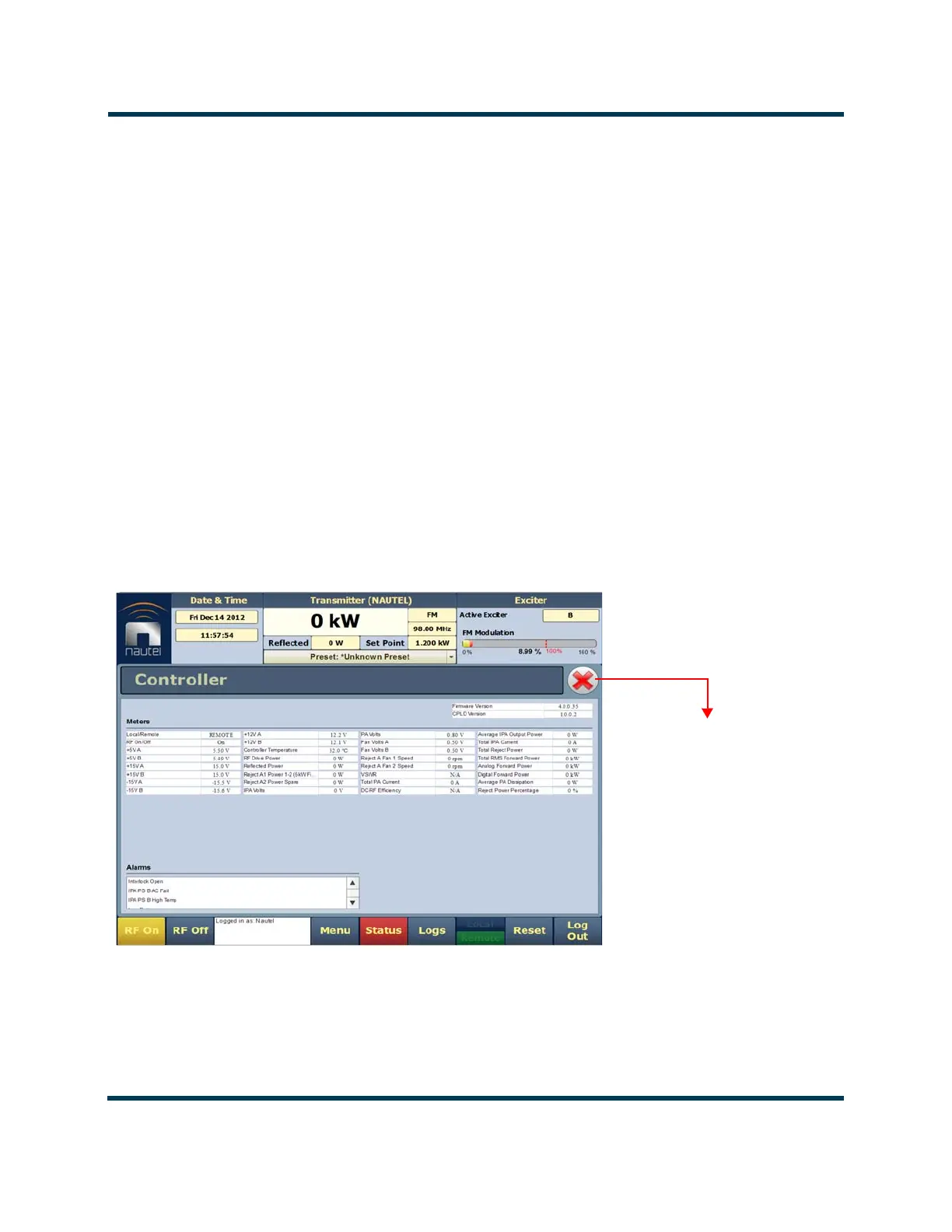
Menu page (see Figure 2.7 on page 2-16). During navigation, all Menu pages will feature a red
exit page button (see Figure 2.5). Press this button to exit the Menu page you are on and return
to the Home page.
Figure 2.5: Exit Page Button
Press this button to exit
all menu pages.



 To Next Page