NV10/NV7.5 Operations and Maintenance Manual Operating the transmitter
Page 2-42 Issue 3.4 2016-08-03
Use the scroll bar to select a higher or lower sub-carrier for viewing. Some sub-carriers are for
timing and synchronization. Others are modulated with data/content. Use the maximize or
minimize buttons as required.
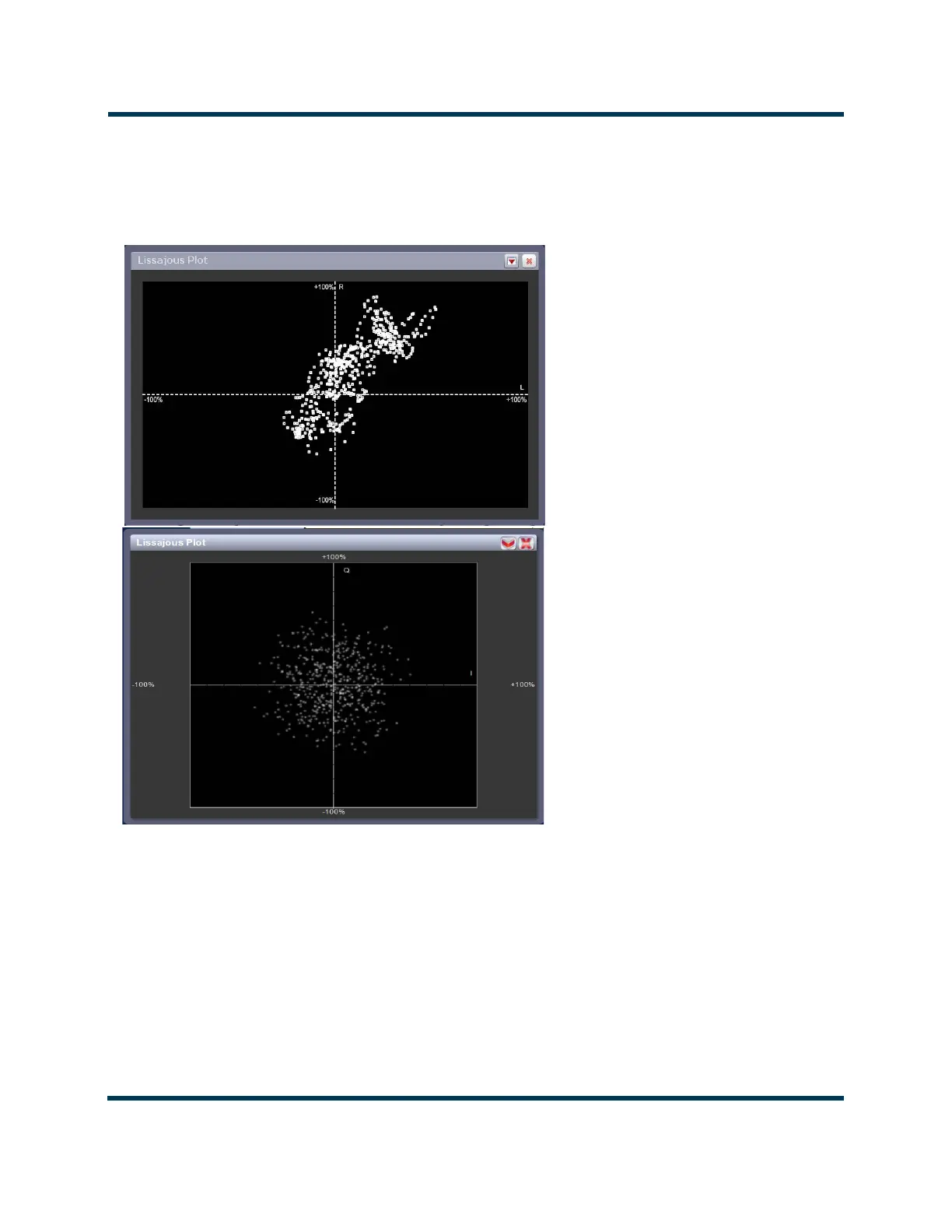
Figure 2.28: Lissajous Plot
Lissajous plot
See Figure 2.28. This panel displays a Lissajous figure that represents either L (left) and R
(right) audio content or a representation of the FM modulated signal [I (in-phase) and Q
(quadrature)]. I and Q will be automatically selected unless the transmitter is operating in
stereo mode or not operating in IBOC. Left and right audio content is displayed for all other
audio sources.



 To Next Page