NV10/NV7.5 Operations and Maintenance Manual Operating the transmitter
Page 2-48 Issue 3.4 2016-08-03
Identifying meter information on a specific sub-device
1. Open the Meters List View window and select one of the desired transmitter sub-devices.
– Controller
– Exciter A
– Exciter B
– RF Modules - Multiple modules supported
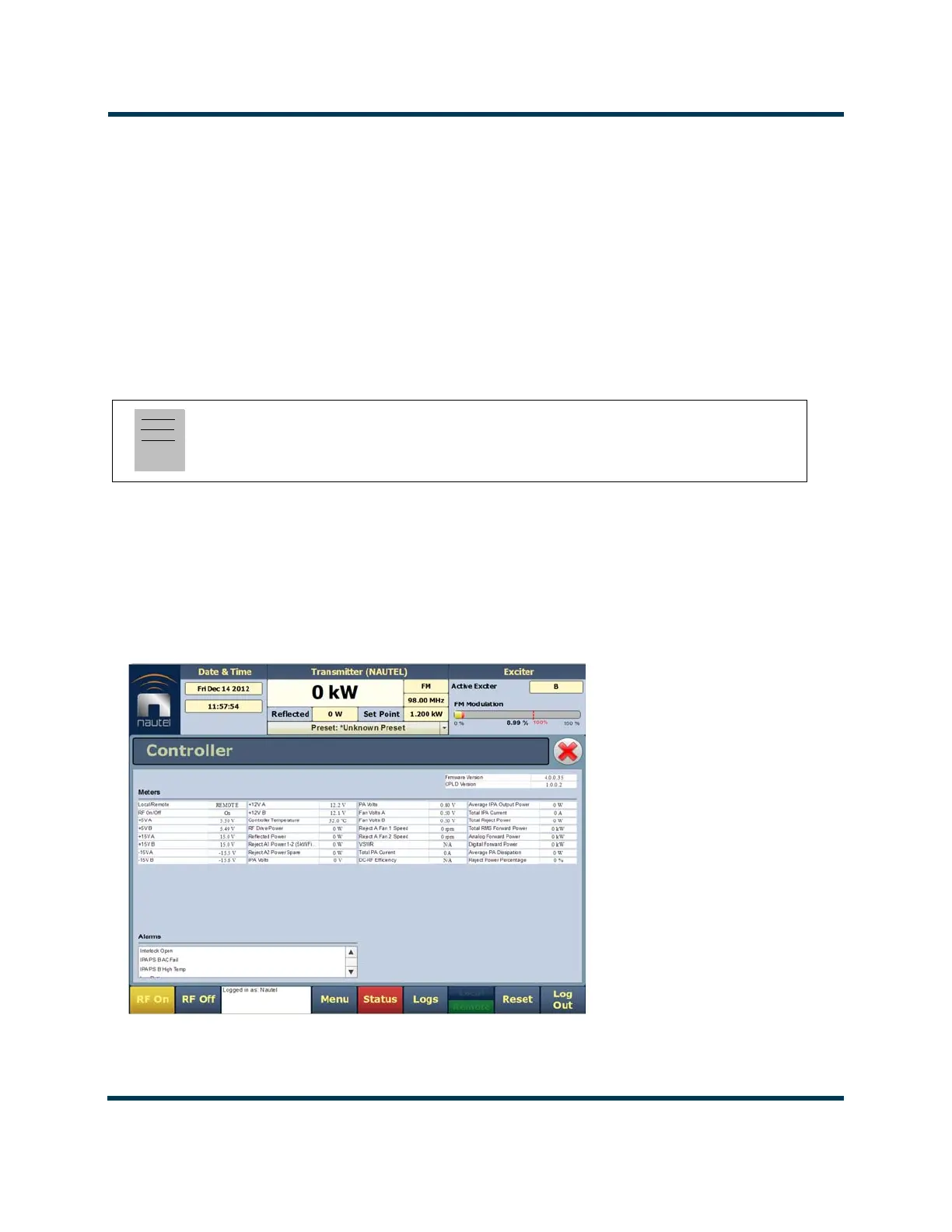
2. Under Transmitter Layout, press the information button (i) beside a device type. This will
open an information window in tabular format (see Figure 2.32).
3. To choose individual meters for display in the Meters window of the Home page: Select
the device type name in the Transmitter Layout panel and select the checkbox next to the
desired meters shown in the Relevant Meters panel (see Figure 2.31 on page 2-47). If the
Relevant Meters panel contains more than one page of information, use the scroll bar
(right-side) to find the desired meter.
Figure 2.32: Meters - Information (Device type Controller shown)
Note:
When a meter value is updated, a blue box briefly appears around that value.
Typically, updates occur every one or two seconds.



 To Next Page