NX50 Operations and Maintenance Manual Operating the transmitter
Issue 3.3 2016-02-08 Page 2-125
Audio Player
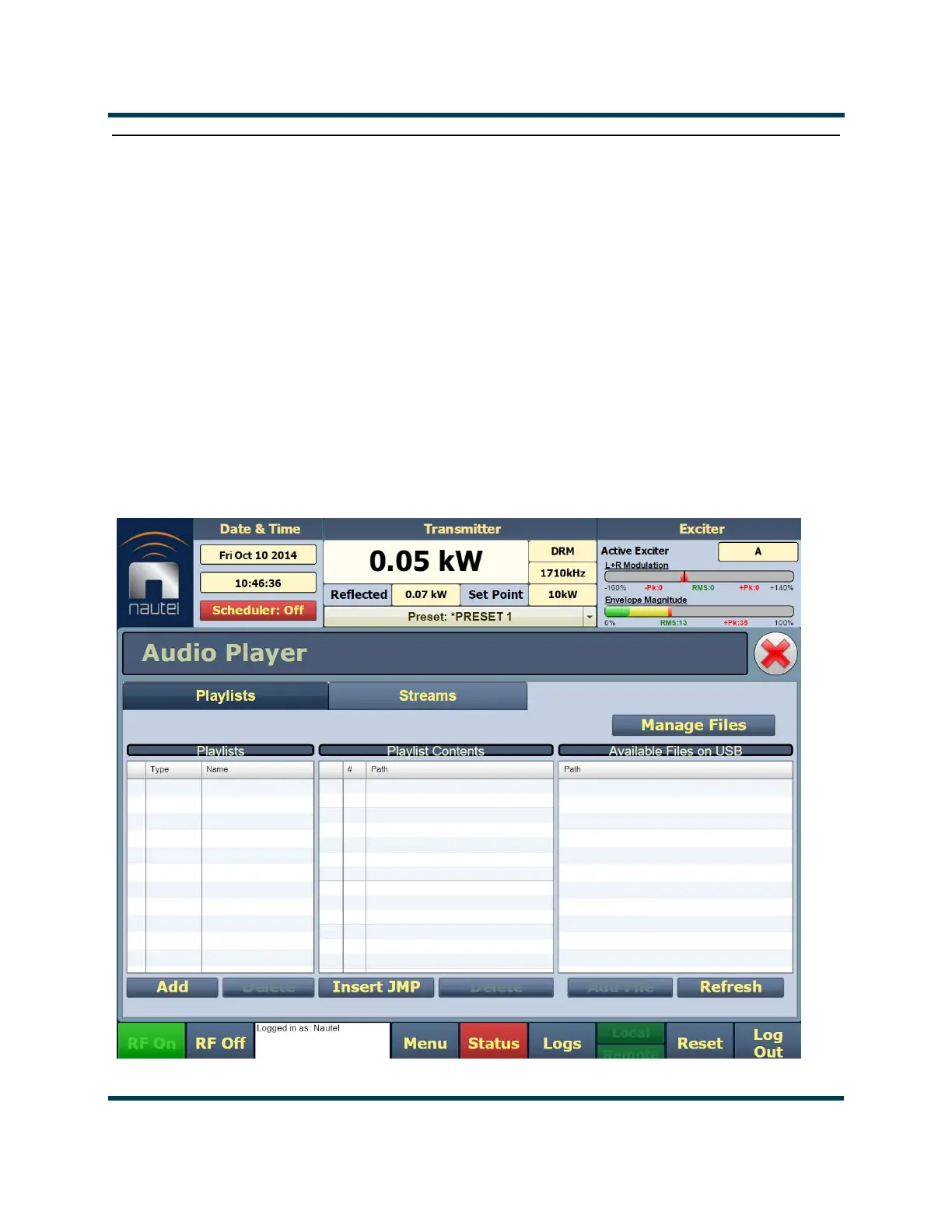
The built-in audio player (see Figure 2.95) can use a file playlist, Livewire or Icecast as an audio
source. These sources must be configured before they can be used. This section describes how to
configure audio player sources. To view the
Audio Player page, select Audio Player from the Menu
page options.
Using the audio player in the NX50 requires the installation of the optional USB sound card. This
converts the streamed audio to a USB port on the single-board computer (SBC) to an AES stream
that can be connected to an AES input on the control card.
The Audio Player page has two selectable tabs:
• "Playlist", on page 2-126
• "Streams", on page 2-128
Figure 2.95: Audio Player page - Playlist tab shown



 To Next Page