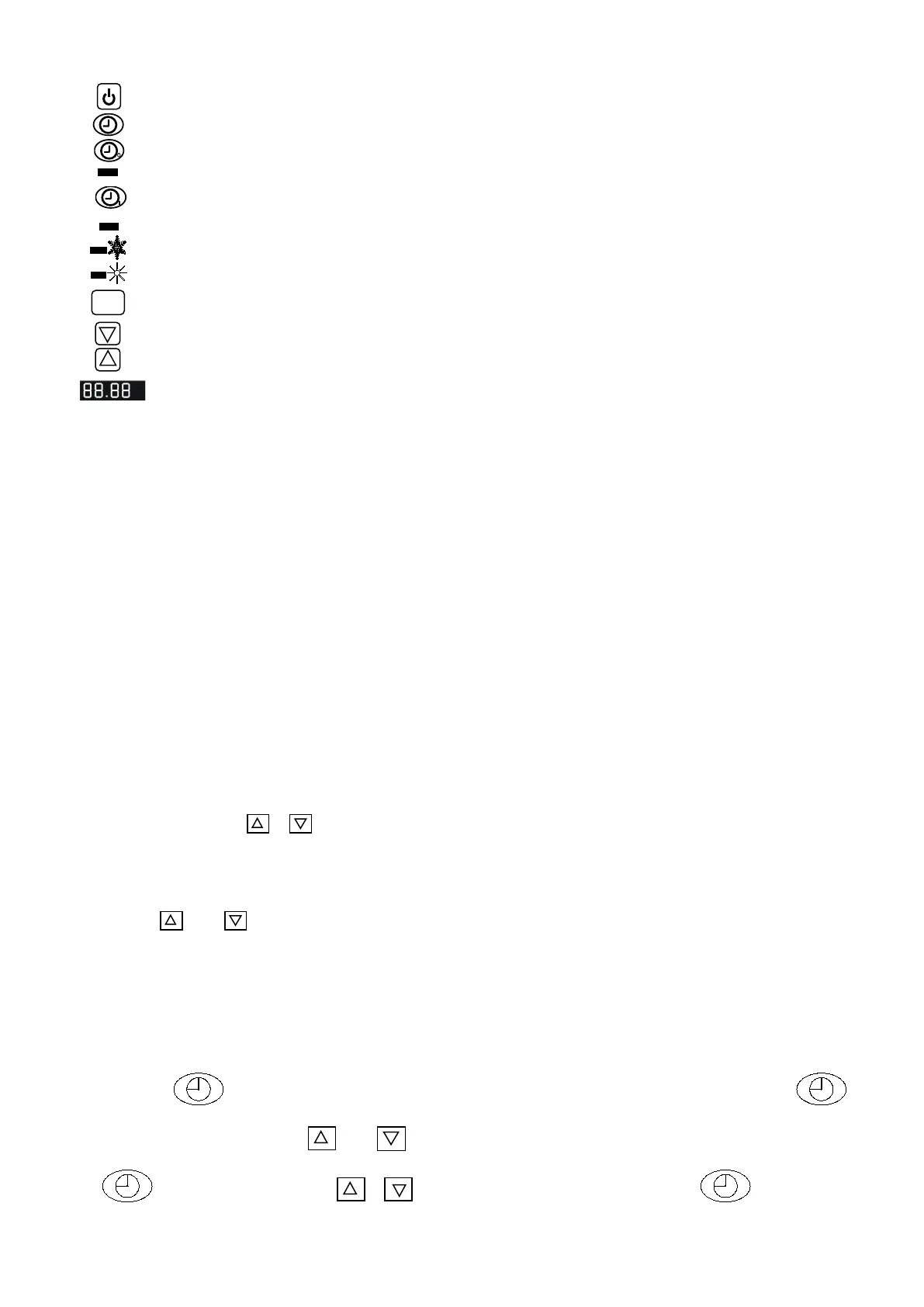
10
1. Operation Display
a.The display shows Time when the machine is off
b.The display shows Temperature of the swimming pool water when the machine is
on.
2. Water temperature setting
a. Press MODE key can switch HEAT-COOL circulating mode.
b. Available no matter the machine is on or off. Press HEAT or COOL light up.
c.Press the key or to set water temperature. The controller indicates twinkling
temp.
.Press or to adjust to your desired water temp.
d. 5 seconds later, the controller display will back to the normal mode.
3. Time setting
A. Available no matter the machine is on or off.
B. Press key to set time,when the clock on the screen is twinkling, press
again to set hour. Use or to adjust hour. Before the twinkling stops, press
to set minute. Use or to adjust. After adjusting,press and water
Down-ALLOW Set required temperature and time
UP-ALLOW Set required temperature and time
LED screen Display time, temperature and machine
TIME OFF Set the time required machine auto-stop.
Light A Shows the auto-stop time being set.
TIME ON Set the time required machine auto-work.
Light B Shows the auto-work time being set.
MODE Key Heat or cool mode selection



 To Next Page