05 06
EN EN
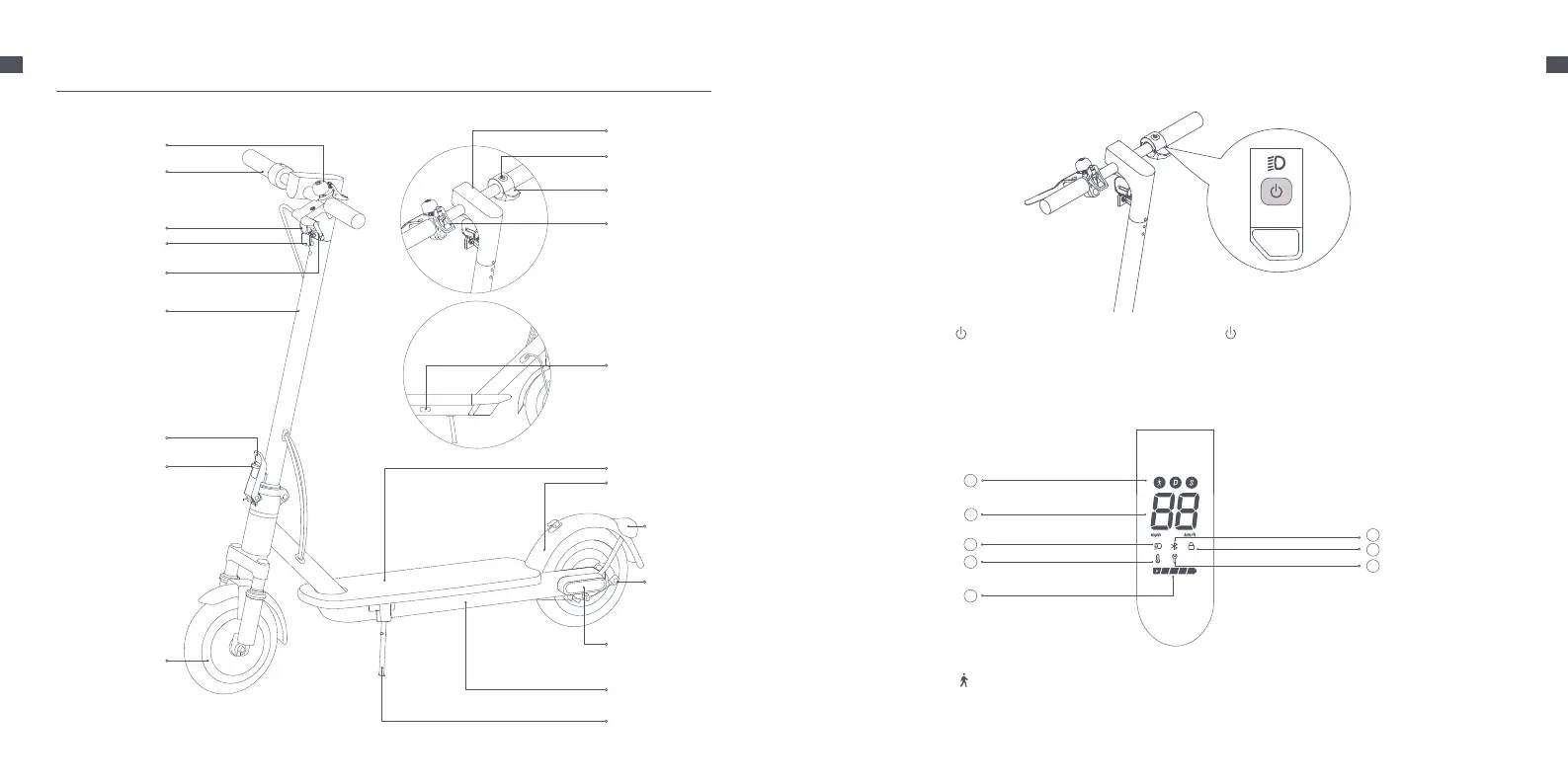
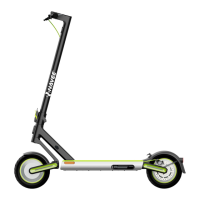
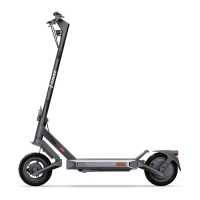
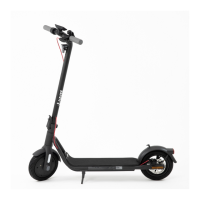
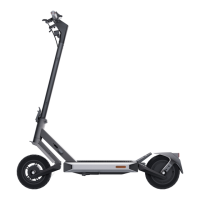
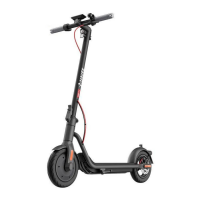
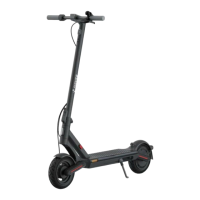
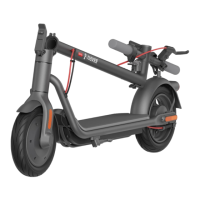
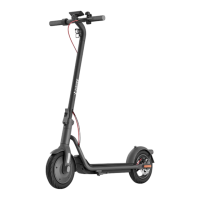
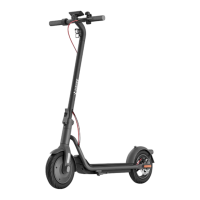
2. Product Overview
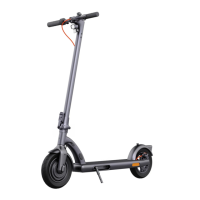
Electric Scooter
Quick Release Lever
Handlebar
Brake Lever
Front Reflector
Safety Lock
Wheel Motor
Stem
Scooter Bell
Power Button
Dashboard
Accelerator
Bell Lever/Buckle
Deck
Battery Compartment
Tail Light &
Rear Reflector
Mechanical
Brake
Charging Port
Hook
Side Reflector
Kickstand
Power on/o
Press the button to turn the scooter on, and hold the button
for 2 to 3 seconds to turn the scooter o.
When the scooter is on, press twice to change riding modes.
Dashboard
1
2
3
4
5
7
6
8
Riding Modes: is for walking mode, and its maximum speed is 6 km/h. D is for standard mode. S is for sport
mode.
Speedometer: It displays the current speed when the scooter is working. When the scooter has an issue, it displays
an error code. When the scooter is charging, it displays the current battery level.
①
②
Headlight


 To Next Page