EasyManua.ls Logo

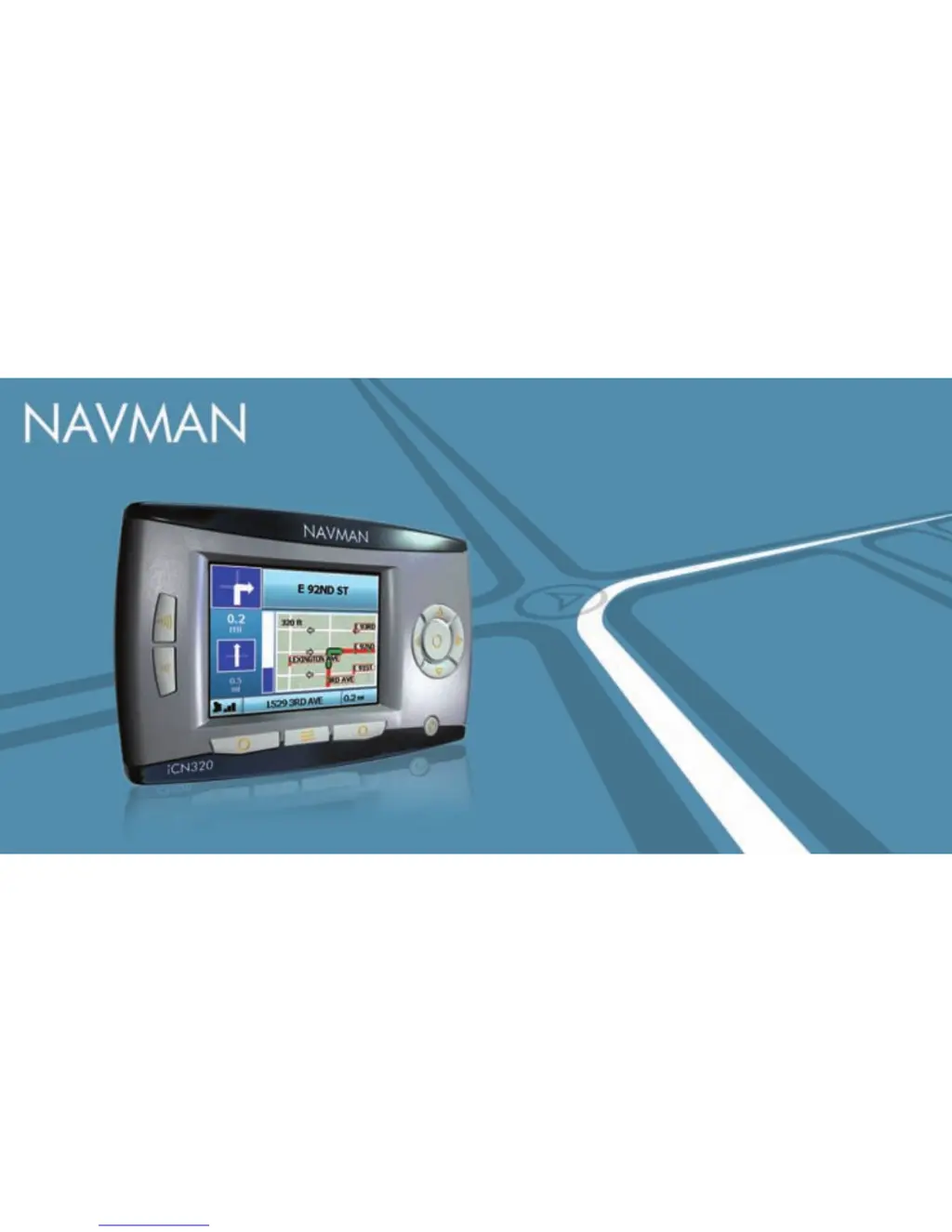
Navman iCN 320 - User Manual

Navman iCN 320
24 pages
Print Icon
To Next Page IconTo Next Page
Loading...
English 3
French Canadian 13
iCN 320
User Manual
United States / Canada / Australia

Questions and Answers

  • N
    Natasha RichardsAug 12, 2025
    How to find a street on Navman GPS?
    • J
      juliawilliamsAug 12, 2025
      If you can't find the street you're looking for on your Navman GPS, follow the Address Search Rules when entering addresses. Enter only the first few letters of the street, and then use the Select Street screen to find it.
  • M
    Matthew BarrAug 15, 2025
    How to adjust screen brightness on Navman iCN 320 GPS?
    • M
      martinezkristaAug 15, 2025
      If the screen on your Navman iCN is hard to read, try changing the brightness setting on the Display screen.
  • J
    James JohnsonAug 19, 2025
    What to do if Navman iCN 320 screen does not activate?
    • P
      Philip CastroAug 19, 2025
      If the screen doesn't activate when you turn on your Navman iCN, ensure the hard reset switch is in the 'on' position. Connect your iCN to a power source, then try to activate it.
  • B
    bryantseanAug 23, 2025
    Why doesn't my Navman iCN 320 GPS recognize the memory card?
    • L
      lisaroseAug 23, 2025
      If your Navman iCN doesn’t recognise the memory card, insert the memory card that came with your iCN. Your iCN will only operate with a Navman iCN Memory Card installed.
  • R
    Ryan OrtegaAug 27, 2025
    How to fix Navman iCN 320 GPS screen that won't turn on?
    • V
      Vickie HooperAug 27, 2025
      If the screen on your Navman iCN 320 doesn't turn on, the battery may be low. Make sure the Battery Switch is in the On position. Connect your iCN 320 to a power source and then try to turn it on.
  • P
    Philip RussellAug 31, 2025
    How to adjust brightness on Navman GPS?
    • J
      Julie ElliottAug 31, 2025
      If the screen on your Navman iCN 320 is hard to read, try changing the brightness setting on the Display screen.
  • D
    Dalton MurilloSep 3, 2025
    Why Navman GPS doesn't recognize memory card?
    • M
      Melissa BakerSep 4, 2025
      If your Navman iCN 320 doesn't recognize the memory card, use the memory card that came with your iCN 320. Your iCN 320 will only operate with a Navman iCN 320 Memory Card installed.
  • B
    bbarreraSep 7, 2025
    What to do if I can’t find a street on my Navman iCN 320?
    • C
      Caitlin WilliamsSep 7, 2025
      When searching for a street on your Navman GPS, follow the Address Search Rules. Only enter the first few characters of the street you are seeking, and then use the Select Street screen to find it. Avoid using abbreviations.

Summary

1. Introduction

How Your ICN 320 Works

Explains the Global Positioning System (GPS) and how the device uses it to determine location.

Safety Notice

Provides critical safety warnings for operating the device safely in a vehicle.

2. Setting Up Your ICN 320

Using your ICN 320 for the first time

Guides through initial power-on, language selection, and preference settings for the device.

3. Navigation

A. New Destinations

Details how to search for and select new destinations like Points of Interest (POIs) or addresses.

B. Saved Destinations

Explains how to save, access, and manage favorite destinations for future use.

4. Preferences

Routing Preferences

Allows users to customize route calculation by specifying roads or ferries to avoid or be warned about.

Language Preferences

Enables users to select the preferred language for the device interface and on-screen text.

Voice Preferences

Allows users to choose between a male or female voice for spoken navigation instructions.

5. GPS Status

Appendices

Address Search Rules

Provides rules and examples for searching for destinations using addresses, street names, and postcodes.

Troubleshooting

Lists common problems encountered with the device and offers recommended solutions.

Support Information

Provides contact details and websites for customer support in various regions.

Navman iCN 320 Specifications

General IconGeneral
Device CategoryGPS
Display Size3.5 inches
Display TypeTFT
Resolution320 x 240 pixels
TouchscreenYes
BatteryRechargeable Lithium-ion
ConnectivityUSB
Weight (Alternative)200 grams
Operating SystemWindows CE 4.2
MapsPreloaded maps
Maps (Alternative)Australia and New Zealand
GPS ChipsetSiRFstarIII

Related product manuals